
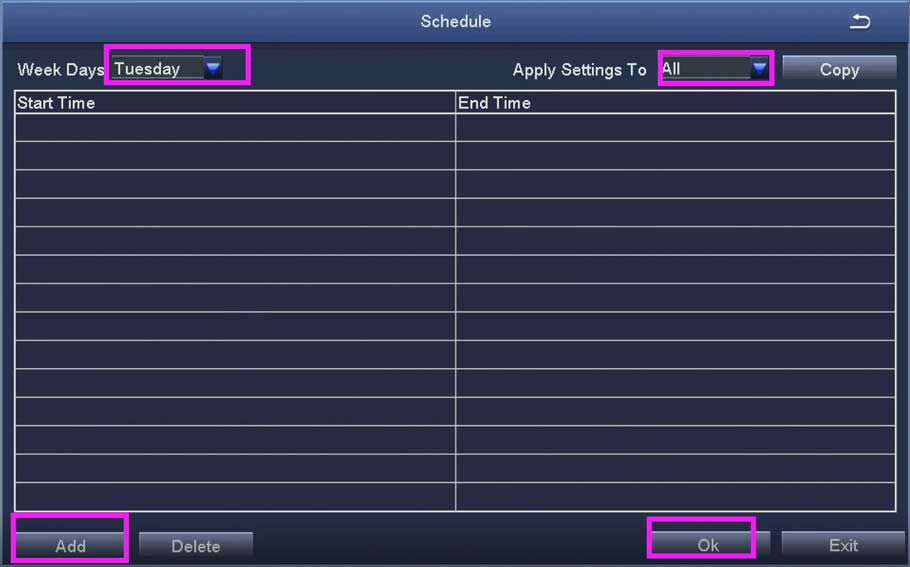
How to set up record and playback ZOSi XVR NVR
How to set up record and playback ZOSi XVR NVR This article works for the following models of DVRs / POE NVRs...
How to set up record and playback ZOSi XVR NVR This article works for the following models of DVRs / POE NVRs...
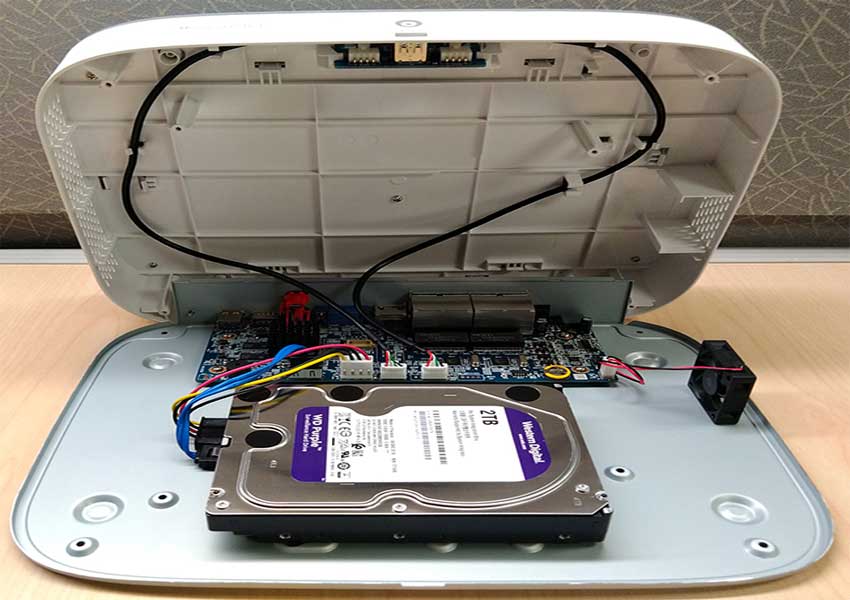
Your recorder comes with a pre-installed 3.5″ SATA hard drive. You can replace the hard drive with one up to a maximum...
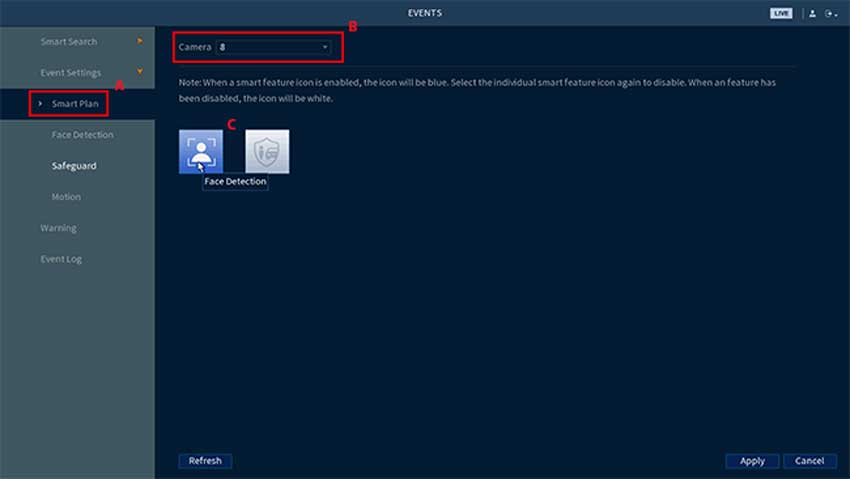
Face Detection and Mask Detection are smart features of the E893 series camera and N843 and N844 series recorder. When either are enabled, Face Detection can...
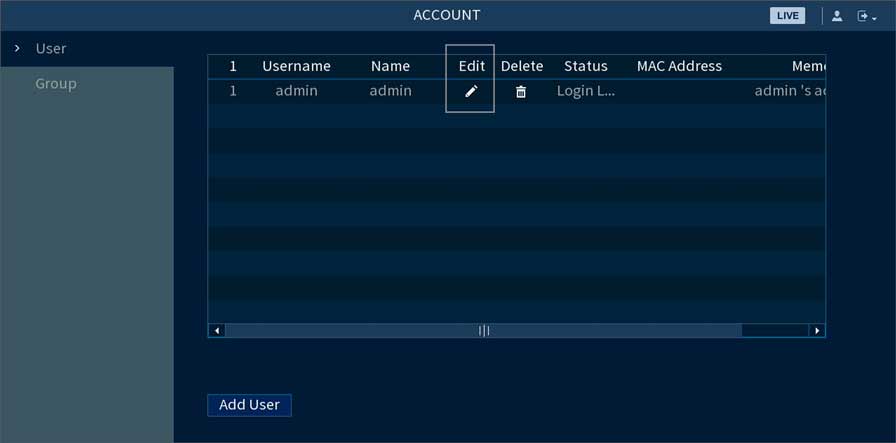
How to change or reset your recorder’s password Lorex You can change your recorder’s account password for security reasons or reset it...
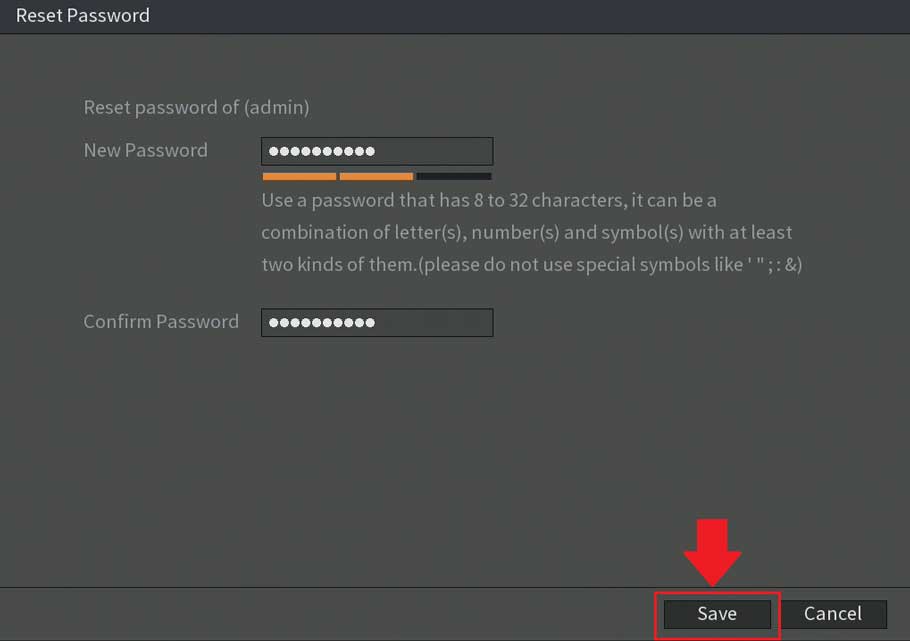
Password Reset Process For S5/H5 DVRs If you have lost or forgotten the password associated with your DVR, S5/H5 models, such as...
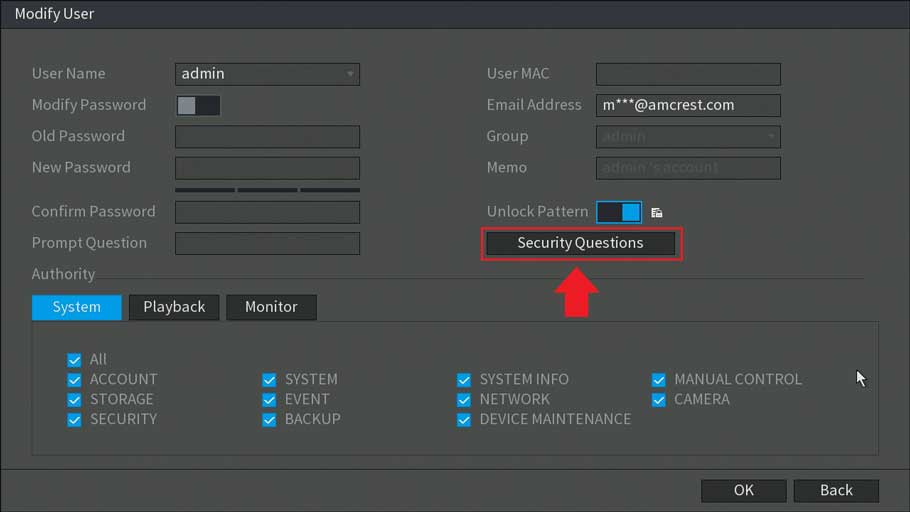
How To Modify a Password and Other Security Features on a DVR Modifying the security settings in your device such as passwords,...
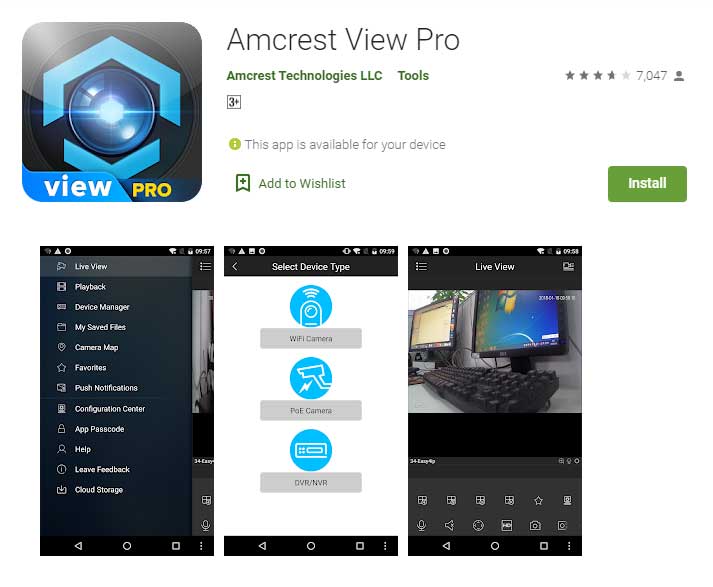
How To Setup Motion Detection In The Amcrest View Pro App. Setting up motion detection for the Outdoor PTZ camera through the...
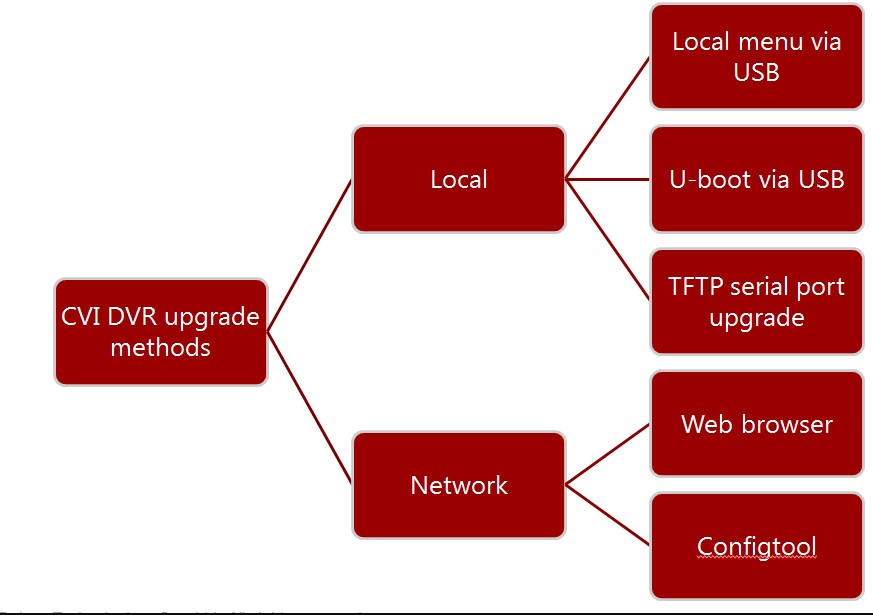
Firmware Upgrade Method All Model Objectives After this course, you will be able to: Know how to use tools to get the...
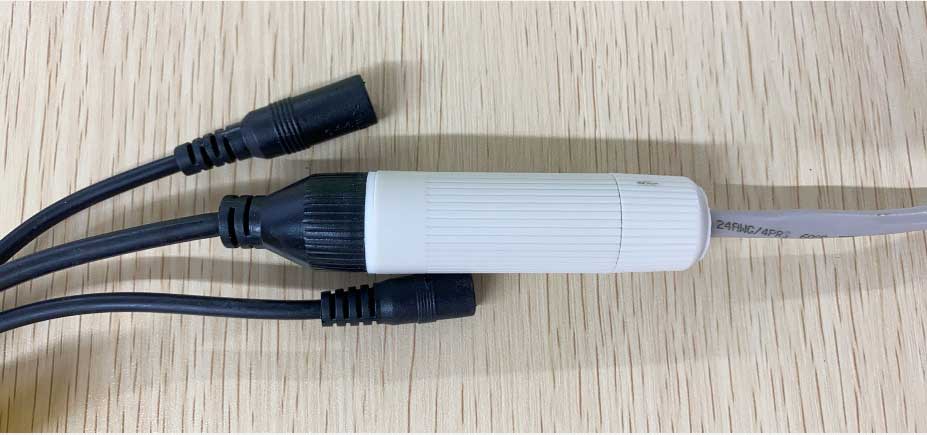
How to Install the Waterproof Lid Applies to: All PoE IP cameras. Step 1. Separate all the parts of waterproof lid. Step 2. Thread the...
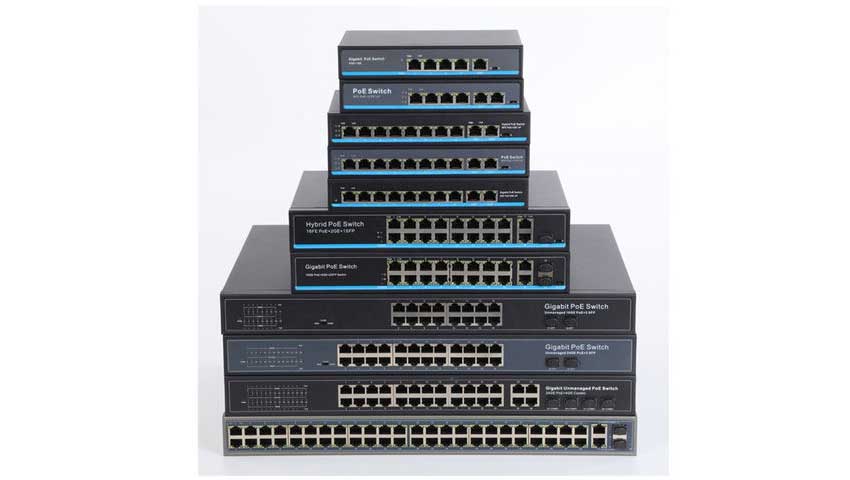
How to Connect PoE Switch, Router and PoE NVR There are different ways to connect the PoE switch, router and PoE NVR....
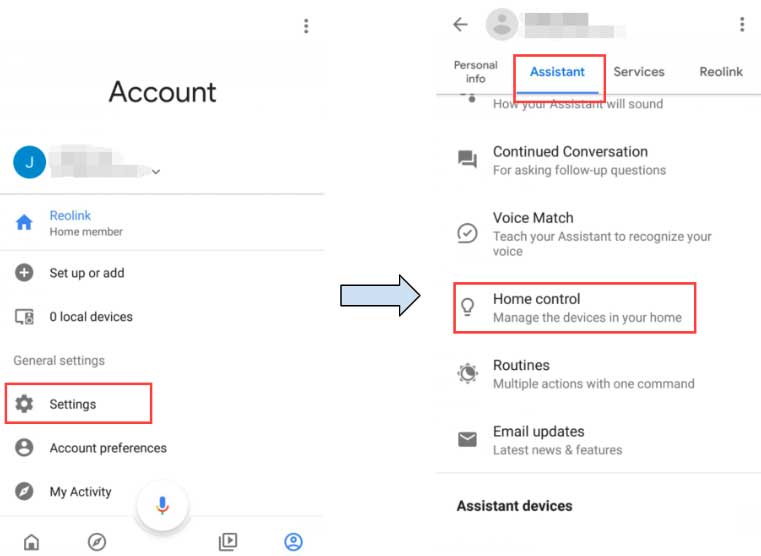
Note: The Google Home function is only available in the countries where Google Home is supported. To use your Reolink cameras with Google Home, you need...