
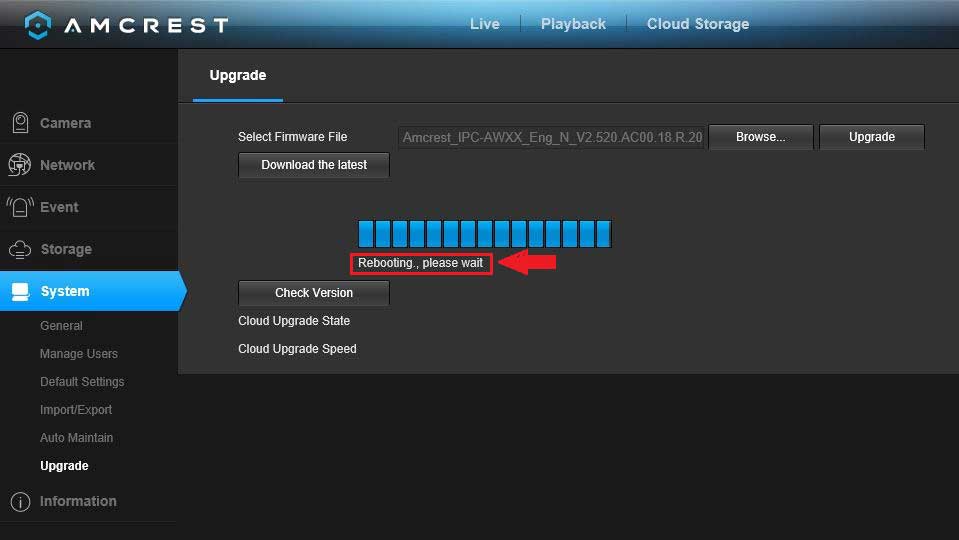
Latest Amcrest Firmware All Model
Latest Amcrest Firmware All Model Browse all firmware. Note: After a firmware update, it is recommended to Restore to Default Settings on...
Latest Amcrest Firmware All Model Browse all firmware. Note: After a firmware update, it is recommended to Restore to Default Settings on...
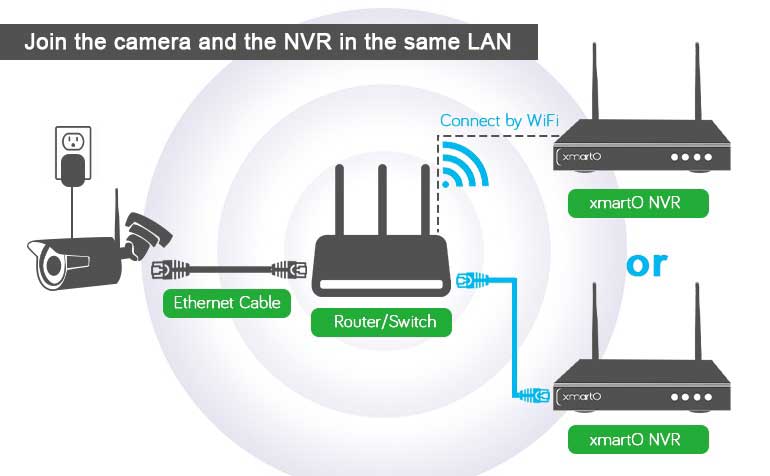
How to optimize WiFi connection between cameras and NVR? While using wireless security camera system, customers may experience video freeze, video lag...
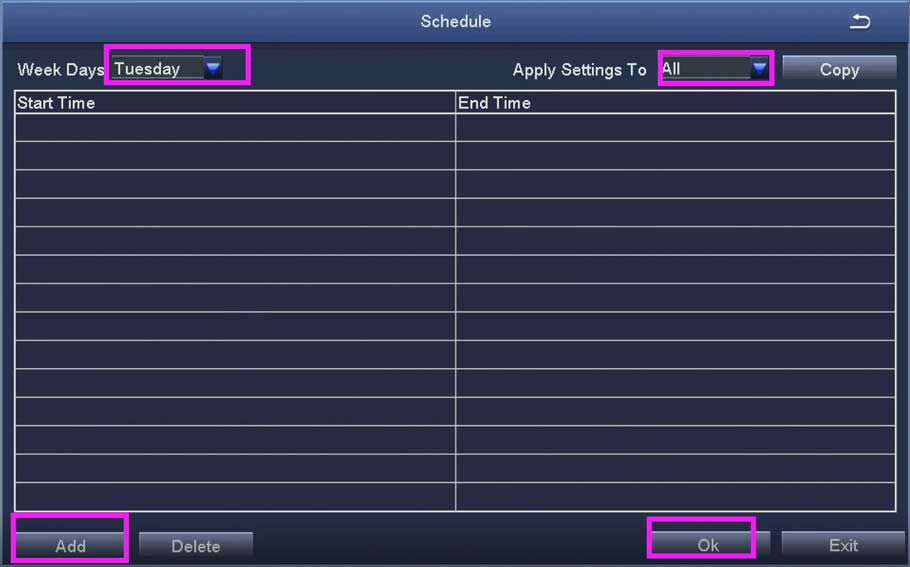
How to set up record and playback ZOSi XVR NVR This article works for the following models of DVRs / POE NVRs...
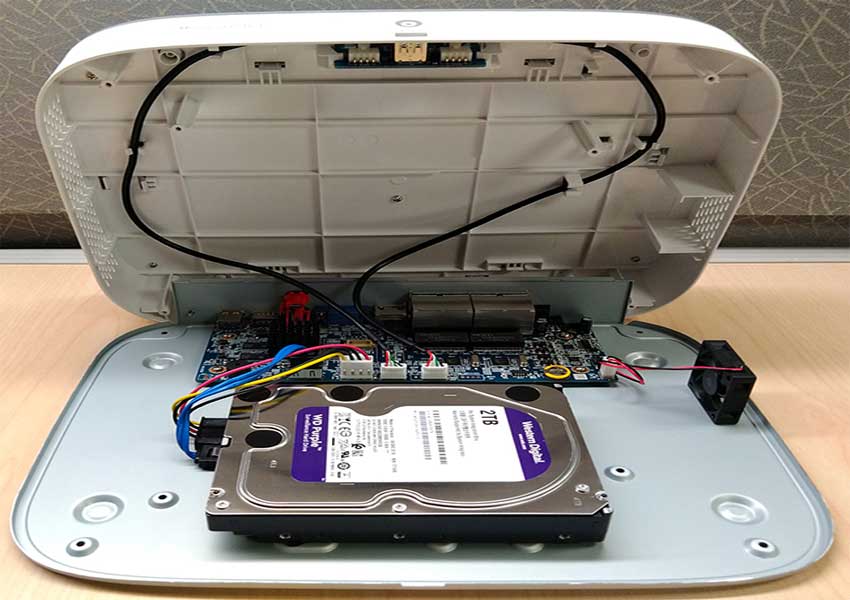
Your recorder comes with a pre-installed 3.5″ SATA hard drive. You can replace the hard drive with one up to a maximum...
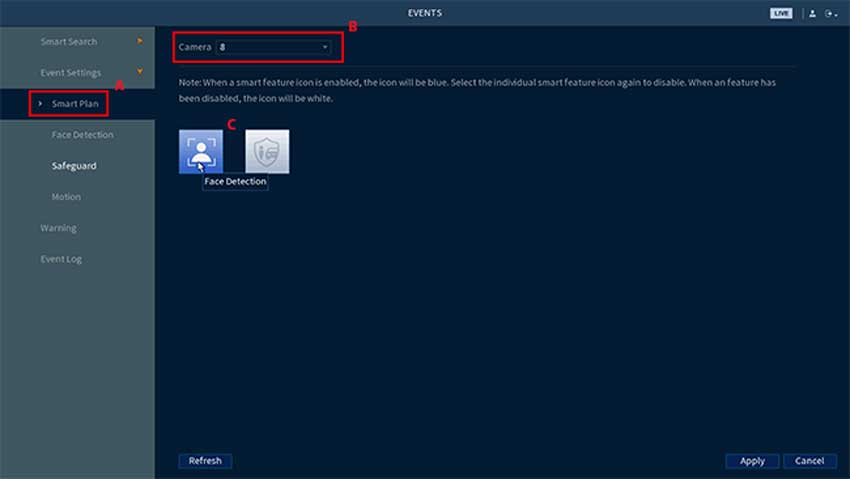
Face Detection and Mask Detection are smart features of the E893 series camera and N843 and N844 series recorder. When either are enabled, Face Detection can...
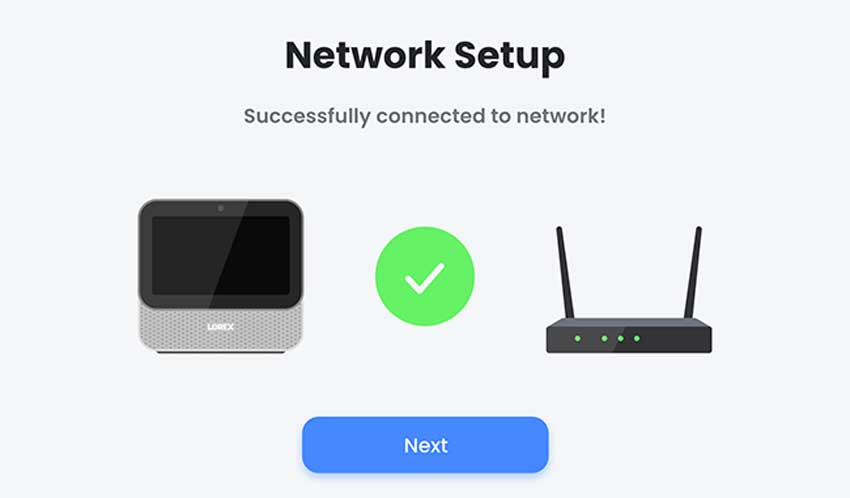
Lorex Smart Home Security Center – How to set up There are three ways of setting up your Lorex Smart Home Security...
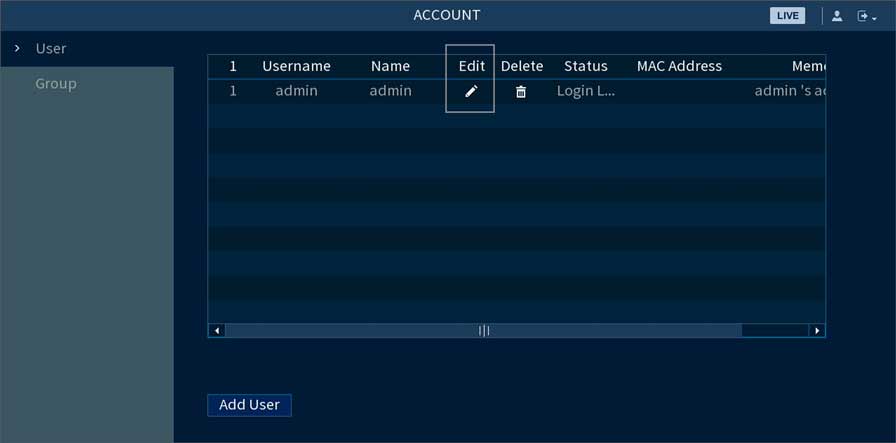
How to change or reset your recorder’s password Lorex You can change your recorder’s account password for security reasons or reset it...
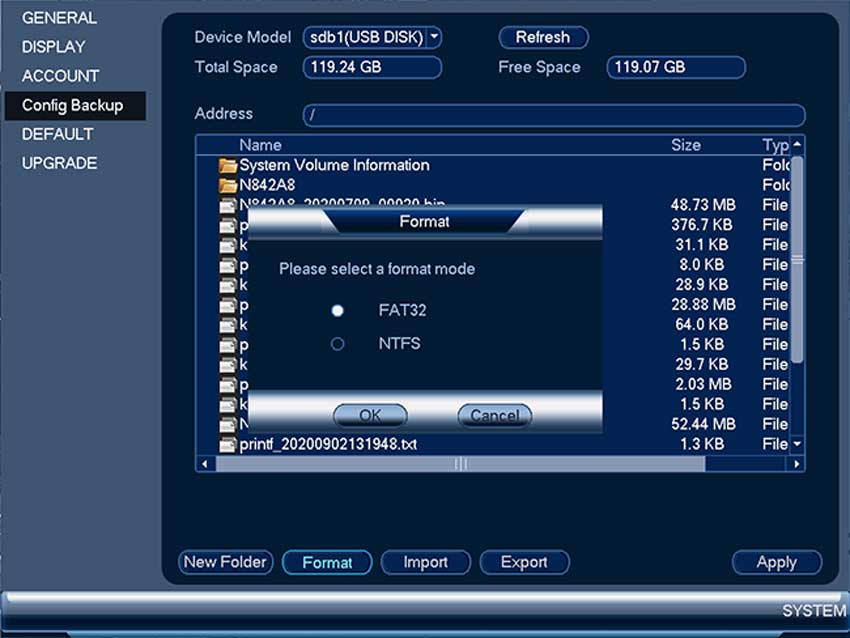
DVR / NVR – How to format your USB flash drive on your recorderTo make sure you can transfer files to or...
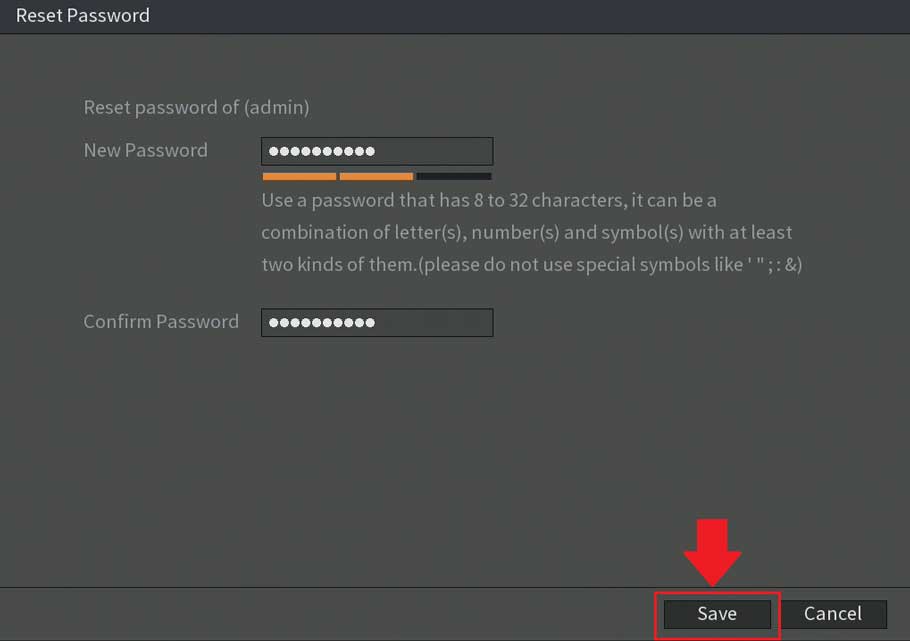
Password Reset Process For S5/H5 DVRs If you have lost or forgotten the password associated with your DVR, S5/H5 models, such as...
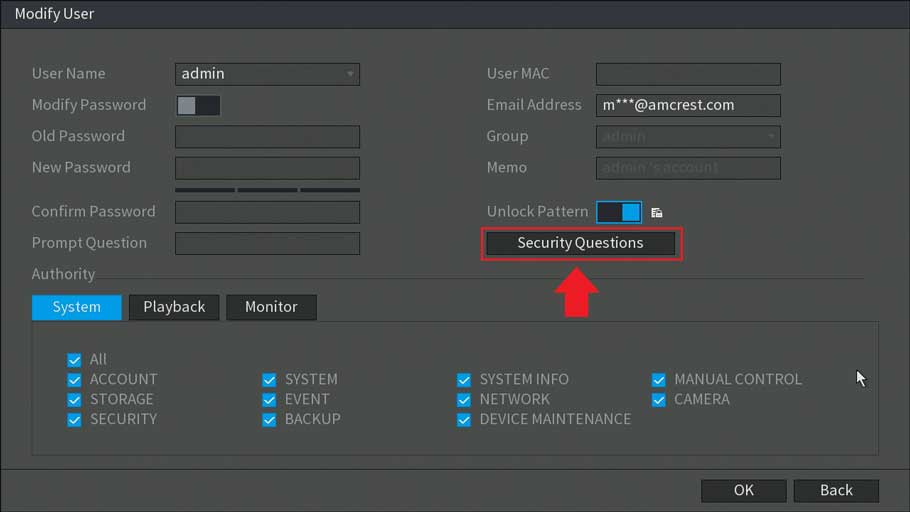
How To Modify a Password and Other Security Features on a DVR Modifying the security settings in your device such as passwords,...
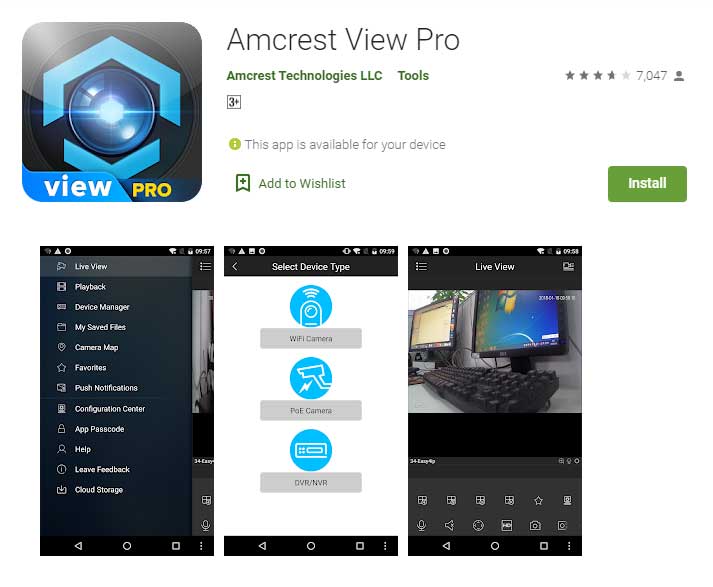
How To Setup Motion Detection In The Amcrest View Pro App. Setting up motion detection for the Outdoor PTZ camera through the...