
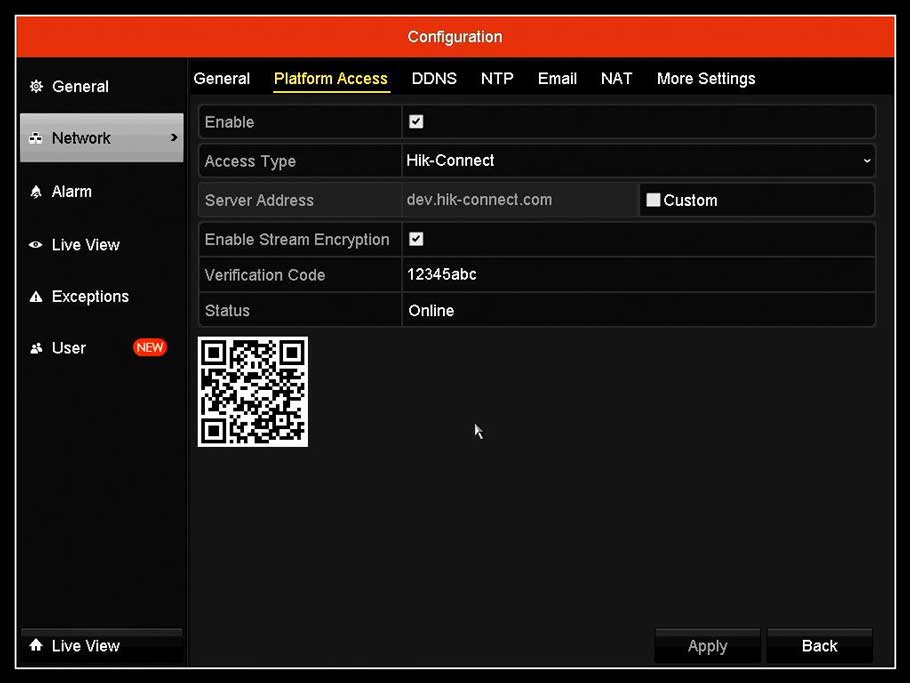
Remote Access for Hik-Connect Guide
Enable Hik-Connect Guide Remote Access Platform Services On Recorders What is Hik-Connect 3.0 Platform? The Hik-Connect Platform has two different services to...
Enable Hik-Connect Guide Remote Access Platform Services On Recorders What is Hik-Connect 3.0 Platform? The Hik-Connect Platform has two different services to...
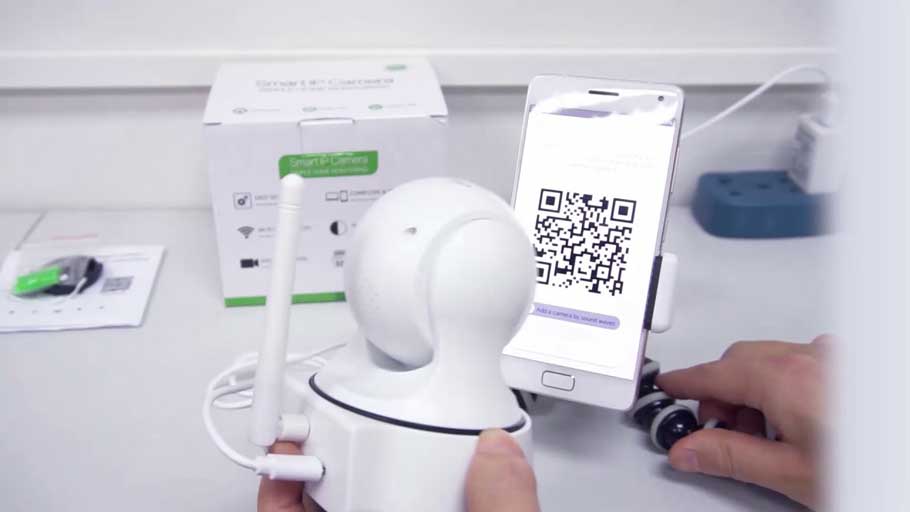
Joylite Smart Cameras Full Guide how to reset the camera? 1. Please power the camera on 2. After you power the cameras...
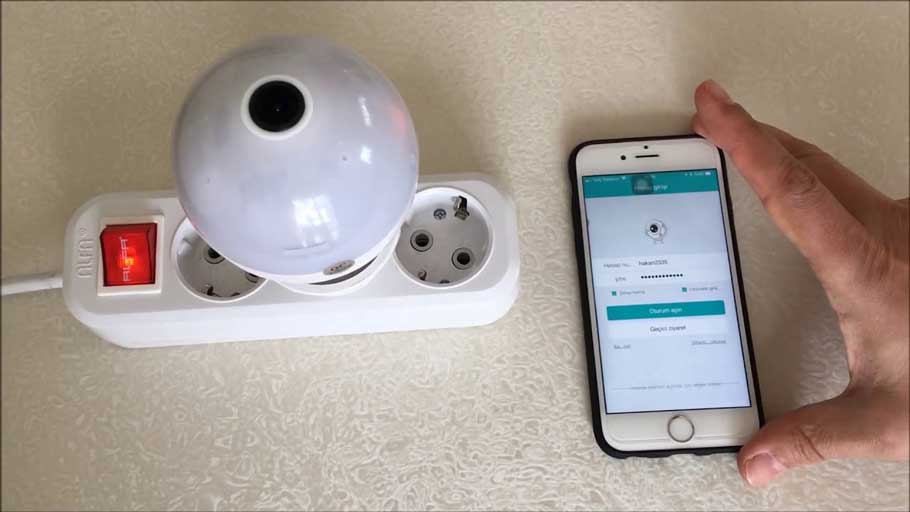
How to Setup iCSee cameras all models iCsee – How to reset the camera 1. Power on the camera, the red indicator...
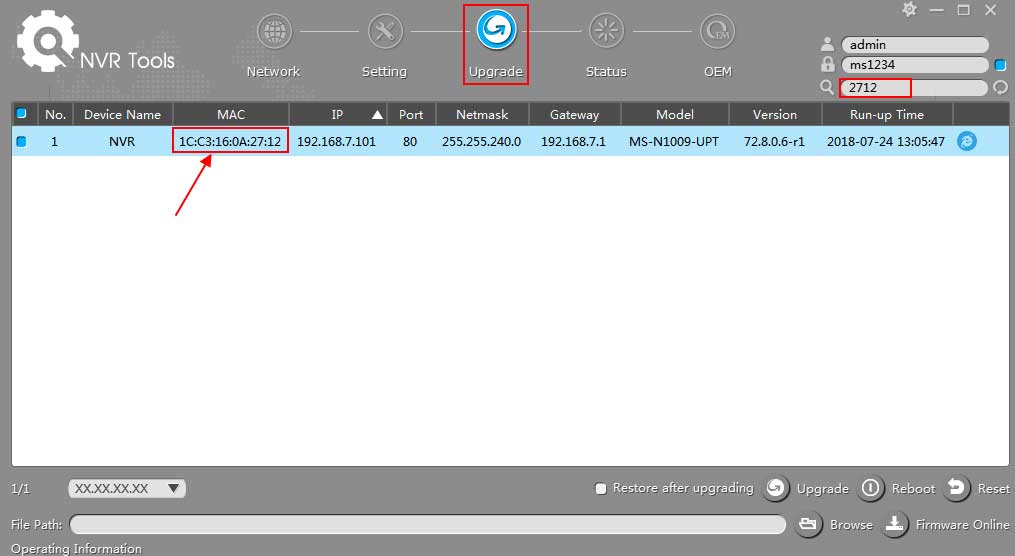
Updating firmware Latest Milestone Firmware The user may initiate a firmware update on a supported ONVIF device via the Management Client. A...
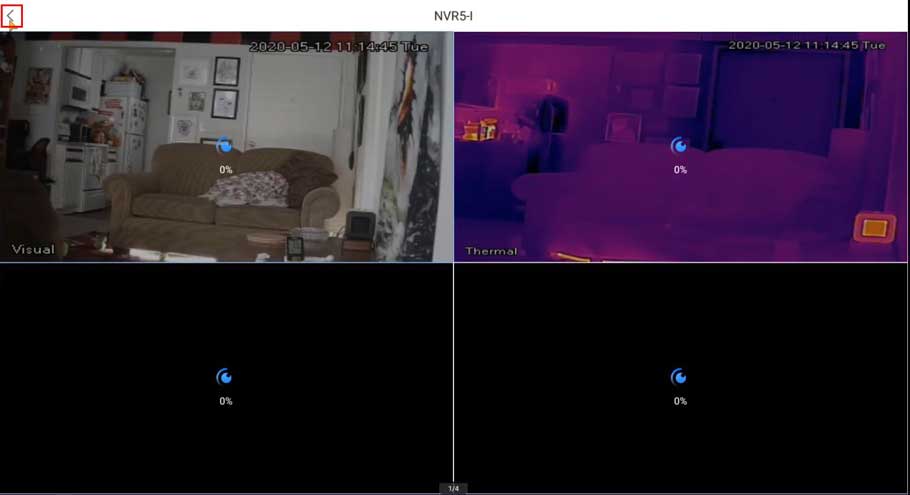
This guide will show how to add the NVR to the mobile app DMSS and setup Push Notifications for the Thermal Temperature Monitoring...
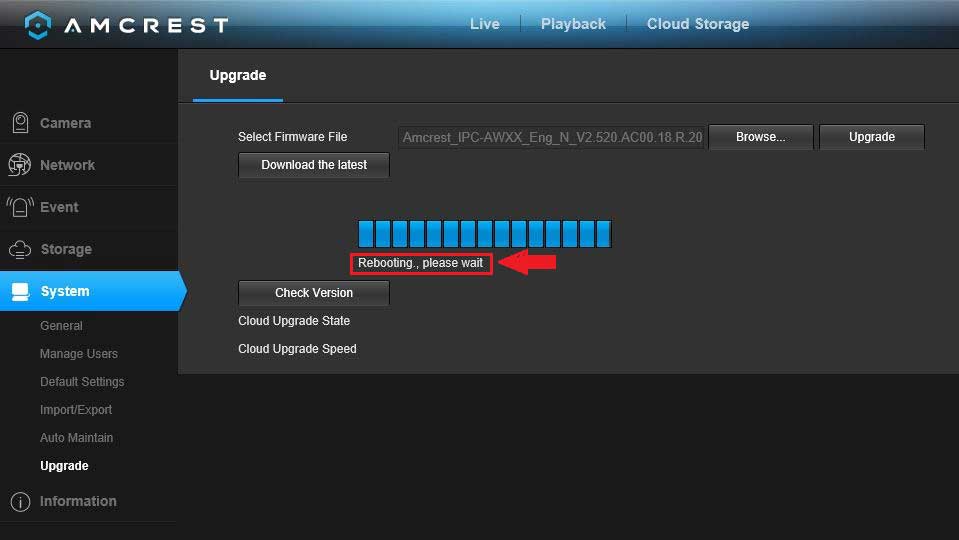
Latest Amcrest Firmware All Model Browse all firmware. Note: After a firmware update, it is recommended to Restore to Default Settings on...
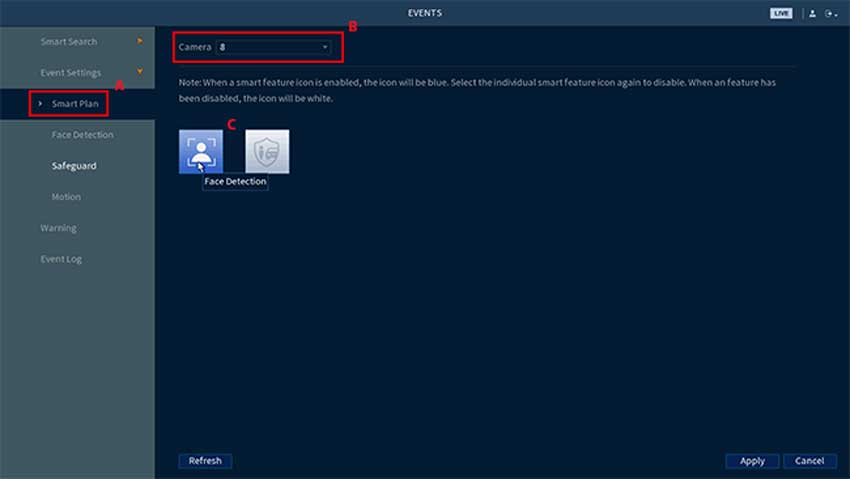
Face Detection and Mask Detection are smart features of the E893 series camera and N843 and N844 series recorder. When either are enabled, Face Detection can...
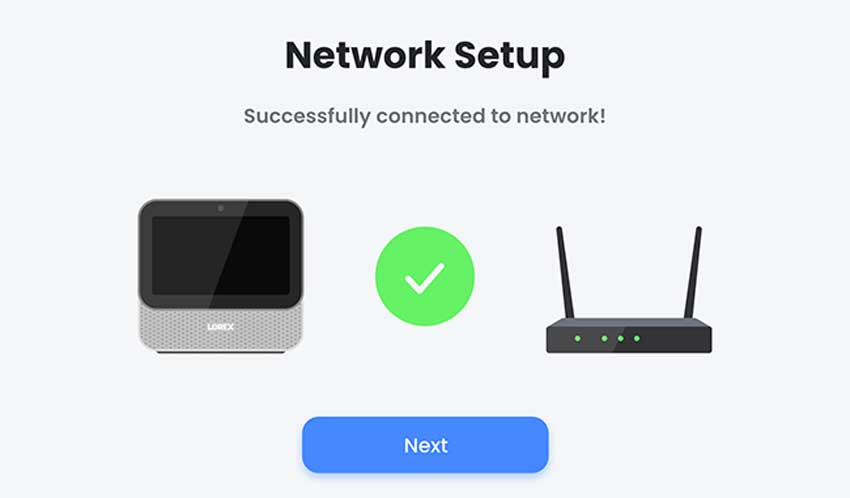
Lorex Smart Home Security Center – How to set up There are three ways of setting up your Lorex Smart Home Security...
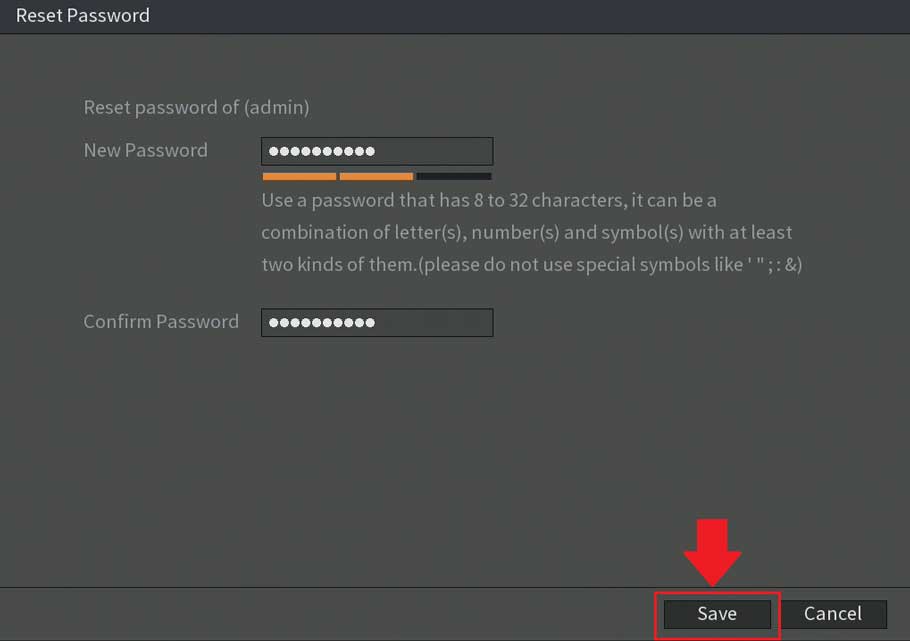
Password Reset Process For S5/H5 DVRs If you have lost or forgotten the password associated with your DVR, S5/H5 models, such as...
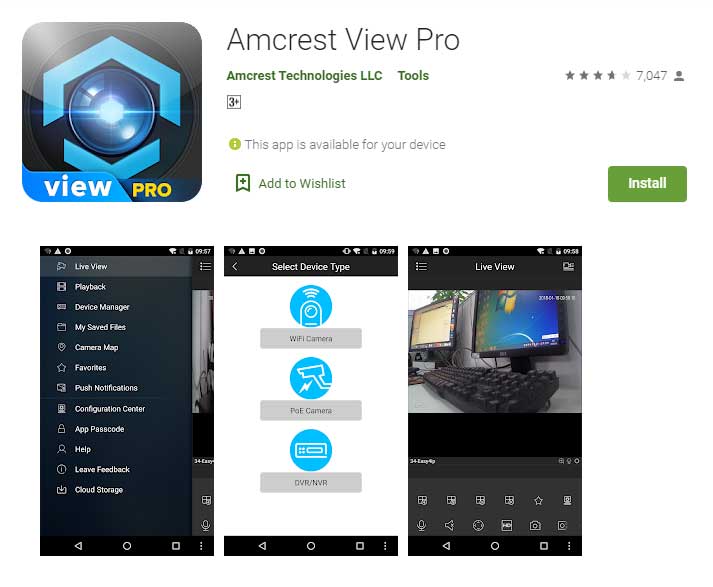
How To Setup Motion Detection In The Amcrest View Pro App. Setting up motion detection for the Outdoor PTZ camera through the...
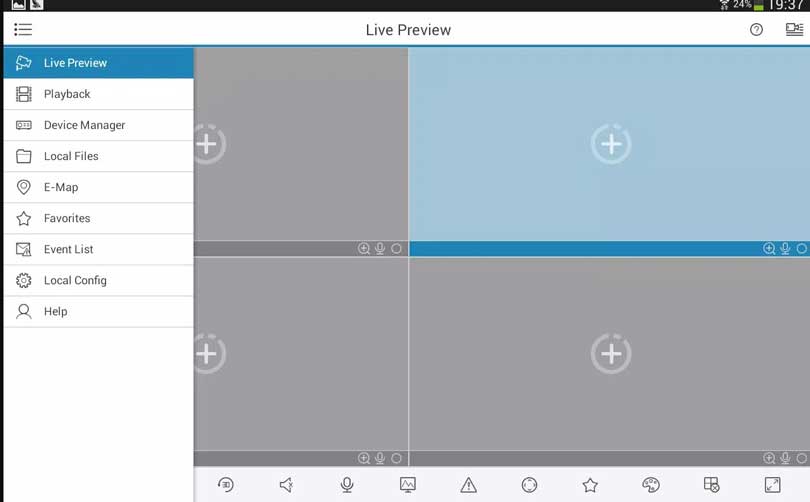
How To Setup A DVR/NVR On The Amcrest View Pro App The following article will demonstrate how to setup your Amcrest DVR/NVR...