
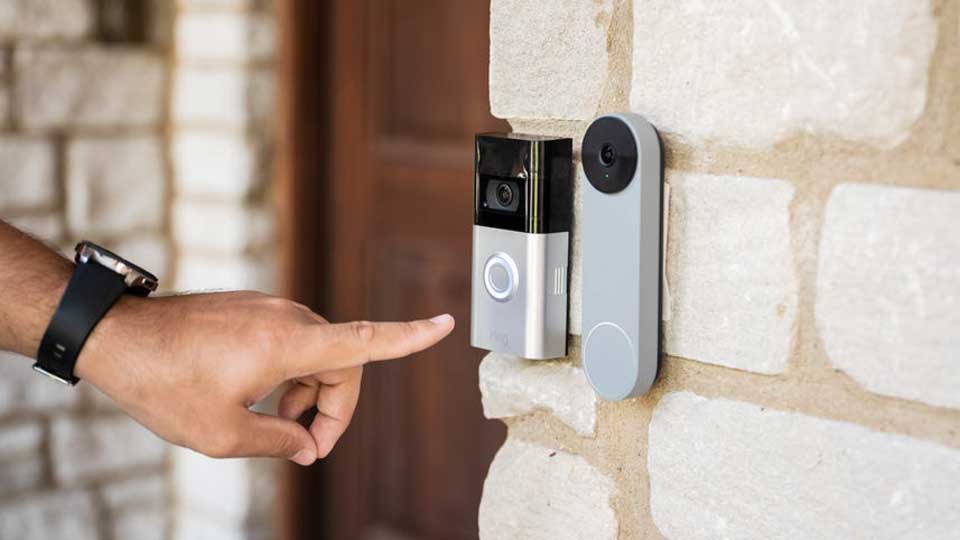
CloudEdge Doorbell and Battery Camera Setup Guide
CloudEdge Doorbell and Battery Camera Setup Guide Cloud storage is the storage of recorded videos on Amazon cloud servers. This is an...
CloudEdge Doorbell and Battery Camera Setup Guide Cloud storage is the storage of recorded videos on Amazon cloud servers. This is an...
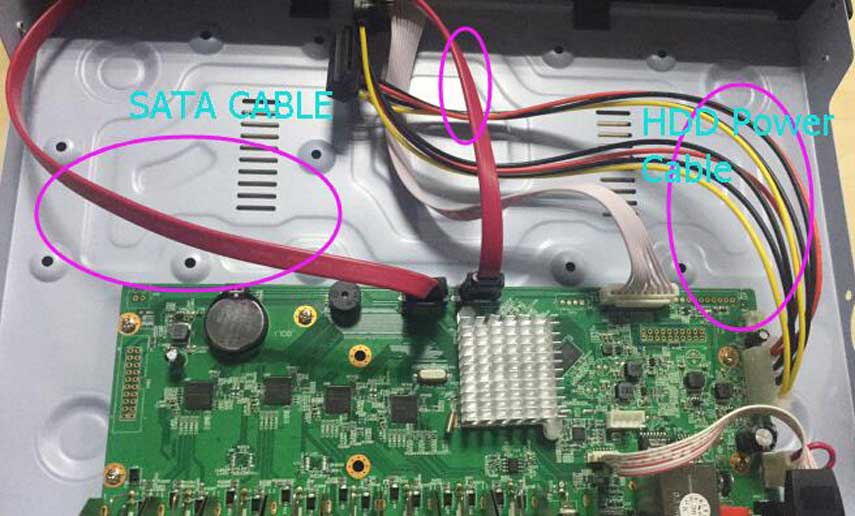
List of All Floureon CCTV Troubleshooting of most occurred errors and problems are in detail My CCTV Camera Shows a Black Screen...
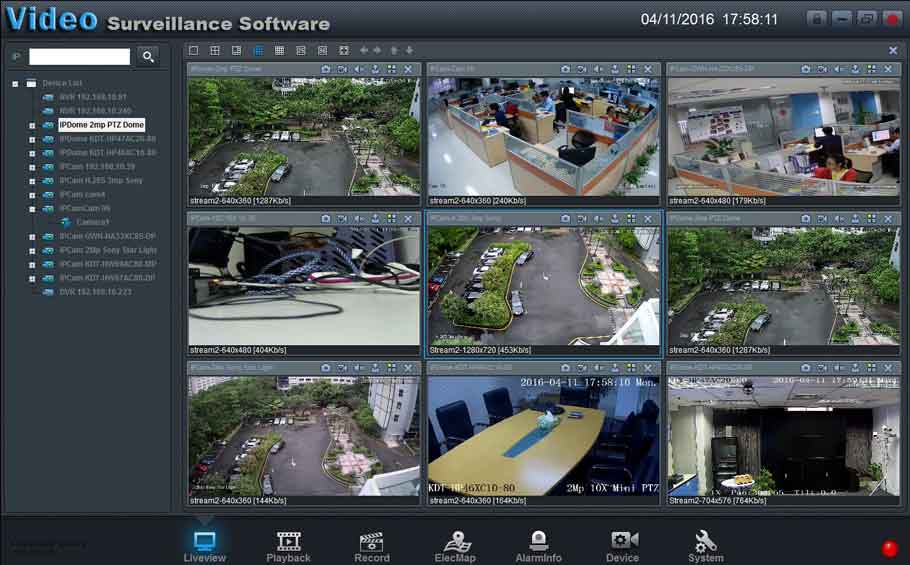
The following article will help you restore your recorder’s display output to factory default (i.e., lowest resolution) so that you can live...
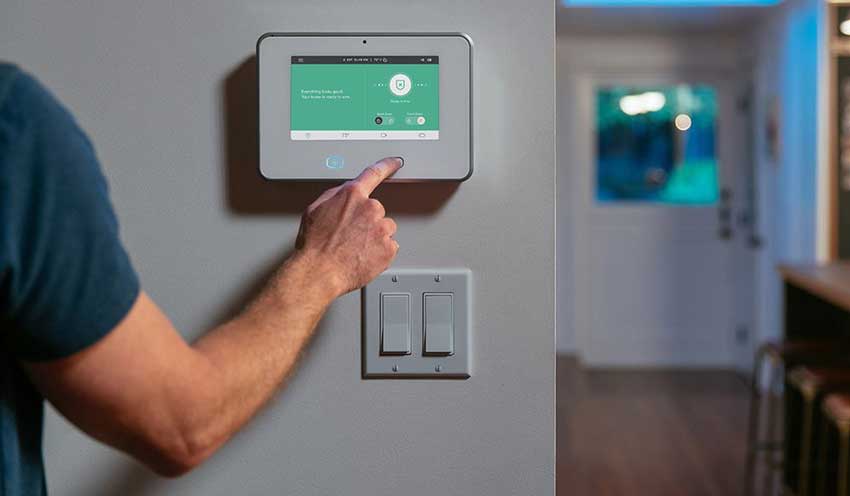
Smart Home App – Frequently Asked Questions Why am I getting text instead of push notifications? If you are currently signed out...
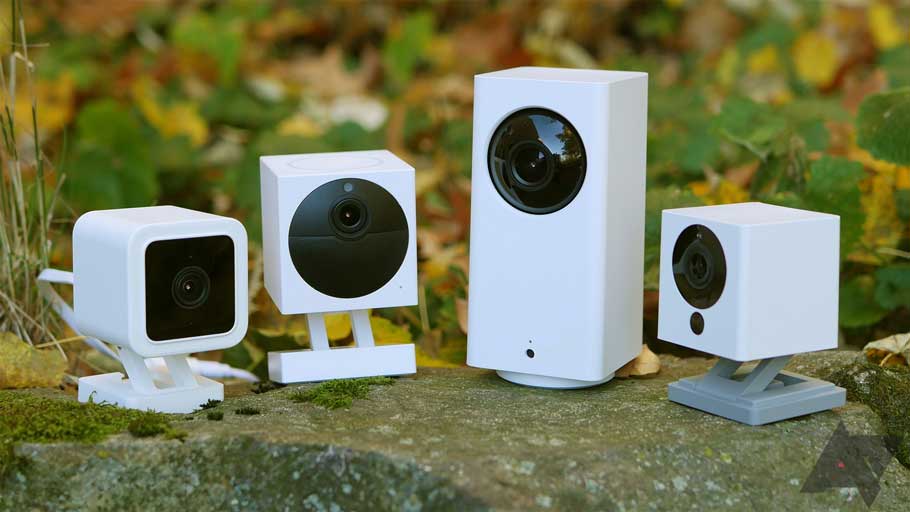
Contents 1 How to boot? 2 How to restore the factory settings? 3 The camera is in abnormal condition? 4 Cannot add camera for the first...
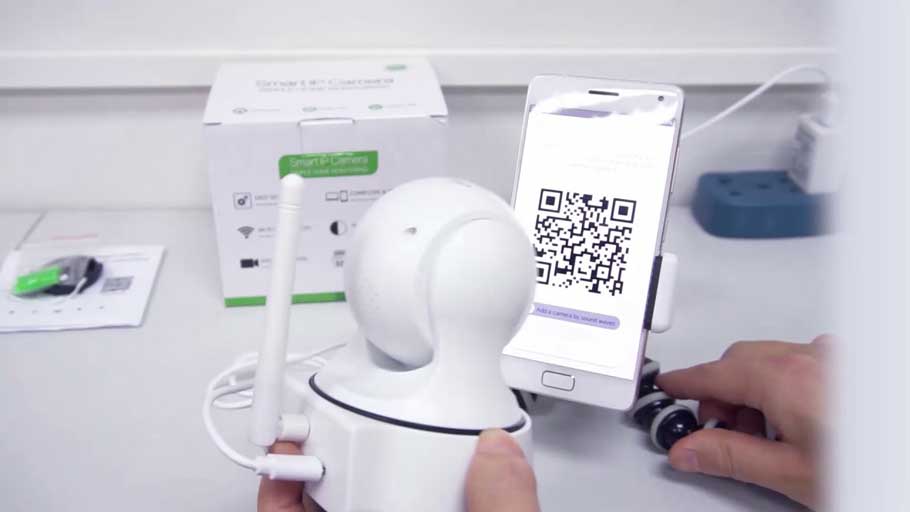
Joylite Smart Cameras Full Guide how to reset the camera? 1. Please power the camera on 2. After you power the cameras...
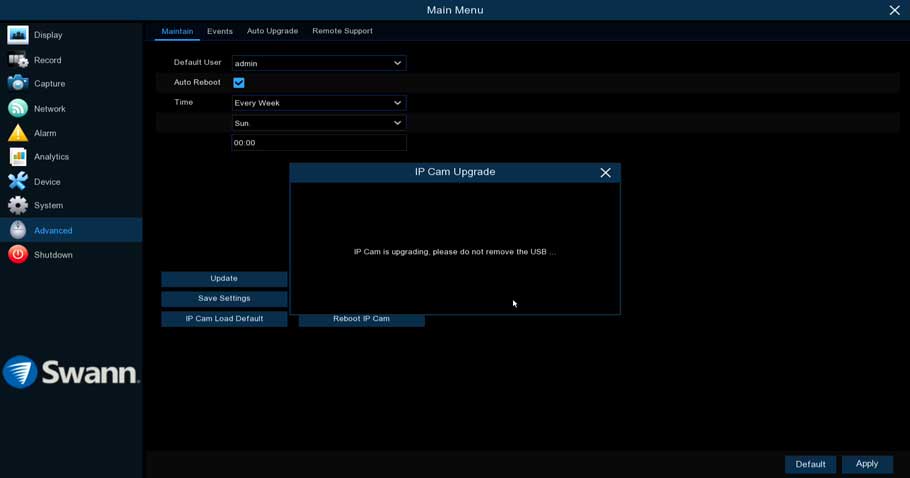
NVR Kit Installation Guide AIO Chapter 1 Before using this product… This chapter contains important information prior to reading the manual and...
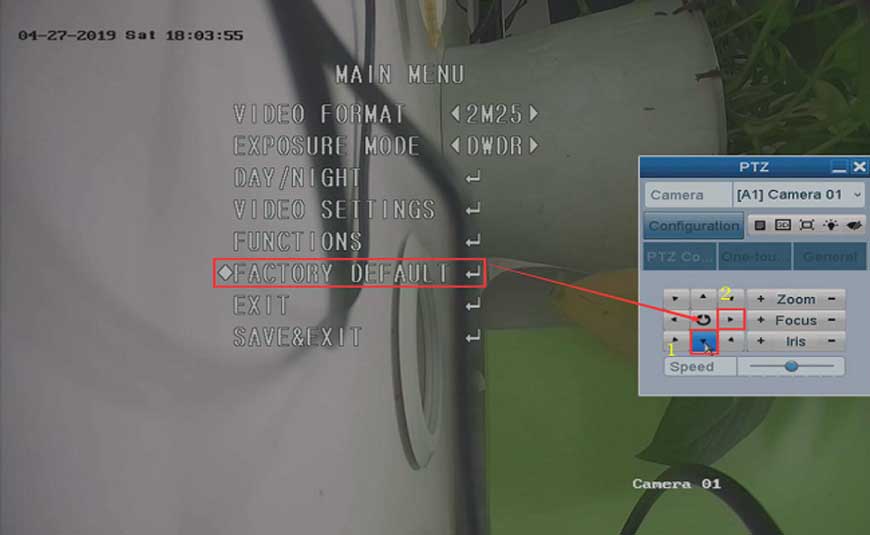
How to Reset the Camera to Factory Default on DVR? Purpose: For some newly released analog cameras, they have their own OSD menu....

LongPlus IP Camera User Guide Set up the camera Click the “Add device” in the APP or click on the + sign...
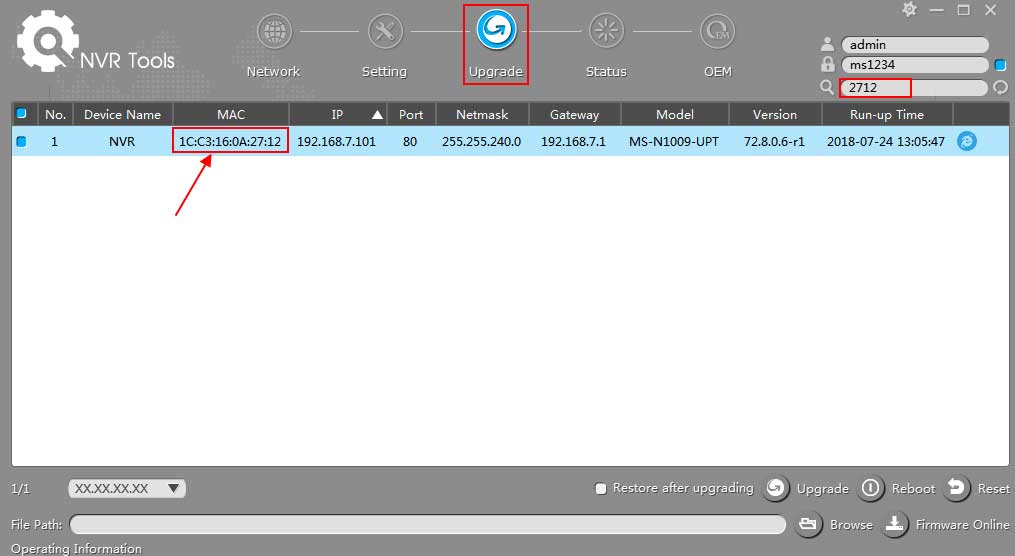
How to Upgrade Milesight Firmware for NVR 1. Choose Firmware 4K Series 71.X.0.X(MS-N50XX-UH/MS-N70XX-UH/MS-N70XX-UPH/MS-N80XX-UH): http://www.milesight.com/support/download.asp 72.X.0.X(MS-N1009-UNT/MS-N1009-UPT/MS-N50XX-UT/MS-N50XX-UPT): http://www.milesight.com/support/download.asp 73.X.0.X(MS-N1004-UC/MS-N1004-UPC): http://www.milesight.com/support/download.asp Previous Versions 61.7.0.7-r5(MS-N1009-UT): https://drive.google.com/open?id=0B8u2Oc2-fG-mc0dCR3paYzNKMGs 30.7.0.7(MS-N5009/5016): https://drive.google.com/open?id=0B3OW8hozx4jWT182aXBfMGxGUGs 31.7.0.7(MS-N1004/1008): https://drive.google.com/open?id=0B3OW8hozx4jWd2FhTmk0cWJmNFk 2.7.0.7(MS-N5004/5008): https://drive.google.com/open?id=0B3OW8hozx4jWY3lmOF8takNQWnc 1.7.0.7-r3(MS-N7016/8016/8032): https://drive.google.com/open?id=0B8u2Oc2-fG-md0pwOFJMM3V4X2c...
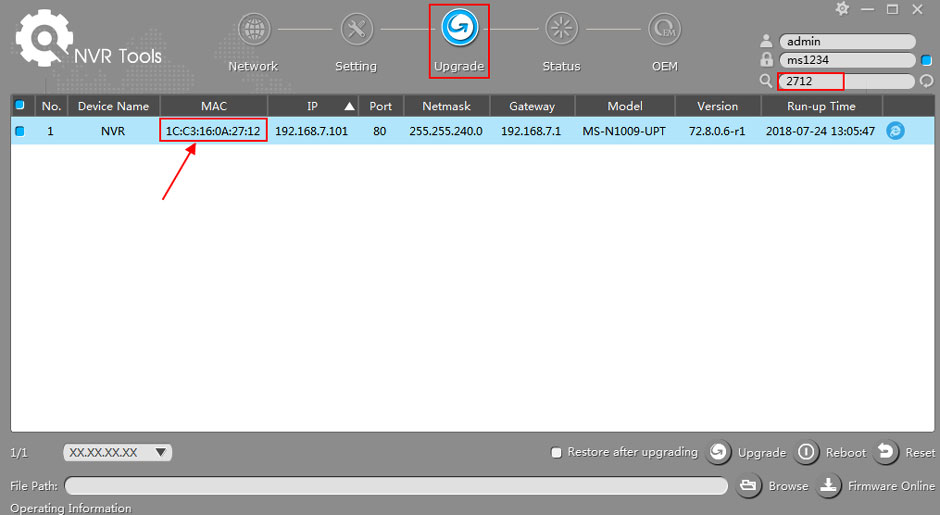
1. Choose Firmware 4K Series 71.X.0.X(MS-N50XX-UH/MS-N70XX-UH/MS-N70XX-UPH/MS-N80XX-UH): http://www.milesight.com/support/download.asp 72.X.0.X(MS-N1009-UNT/MS-N1009-UPT/MS-N50XX-UT/MS-N50XX-UPT): http://www.milesight.com/support/download.asp 73.X.0.X(MS-N1004-UC/MS-N1004-UPC): http://www.milesight.com/support/download.asp Previous Versions 61.7.0.7-r5(MS-N1009-UT): https://drive.google.com/open?id=0B8u2Oc2-fG-mc0dCR3paYzNKMGs 30.7.0.7(MS-N5009/5016): https://drive.google.com/open?id=0B3OW8hozx4jWT182aXBfMGxGUGs 31.7.0.7(MS-N1004/1008): https://drive.google.com/open?id=0B3OW8hozx4jWd2FhTmk0cWJmNFk 2.7.0.7(MS-N5004/5008): https://drive.google.com/open?id=0B3OW8hozx4jWY3lmOF8takNQWnc 1.7.0.7-r3(MS-N7016/8016/8032): https://drive.google.com/open?id=0B8u2Oc2-fG-md0pwOFJMM3V4X2c Note: 1) The second number of firmware...