
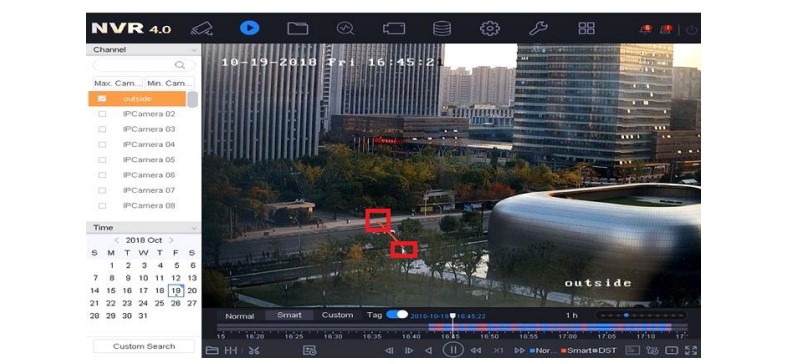
How to Watch Smart Playback in NVR
How to Watch Smart Playback in NVR The smart playback function provides an easy way to get through the less effective information....
How to Watch Smart Playback in NVR The smart playback function provides an easy way to get through the less effective information....
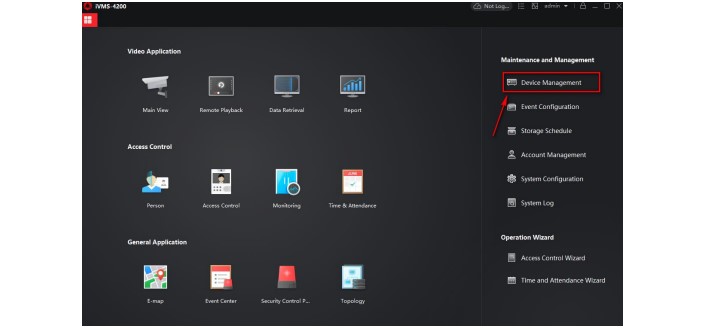
How to Use Third Party DDNS Services Hikvision An internet connected device (camera, DVR, NVR) can be configured to be accessed from...
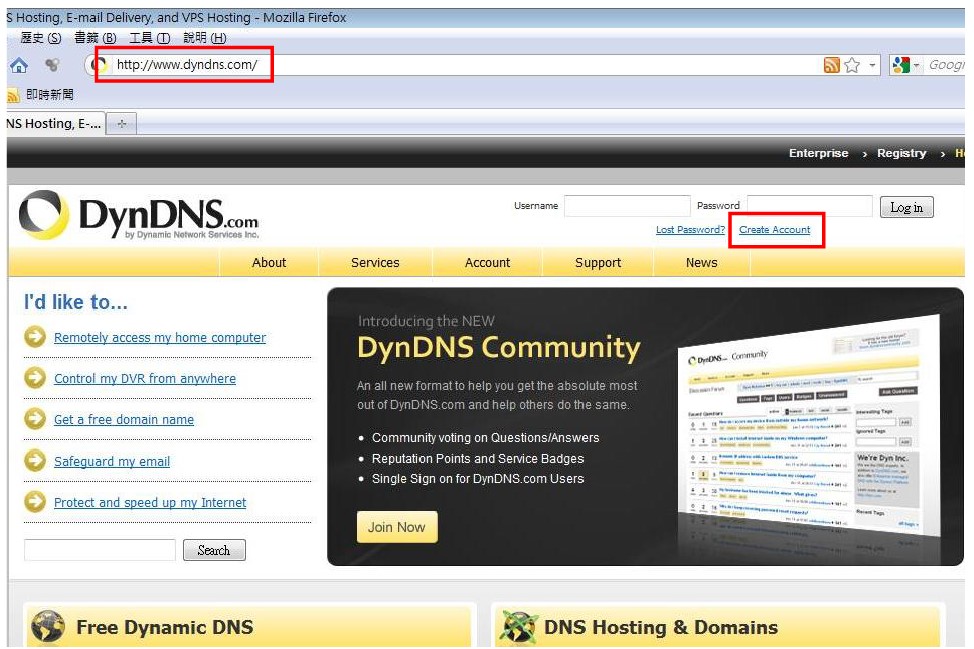
How to Use Dynamic DNS with ACTi Cameras There are surveillance solutions that consist of single cameras scattered over a wide territory,...
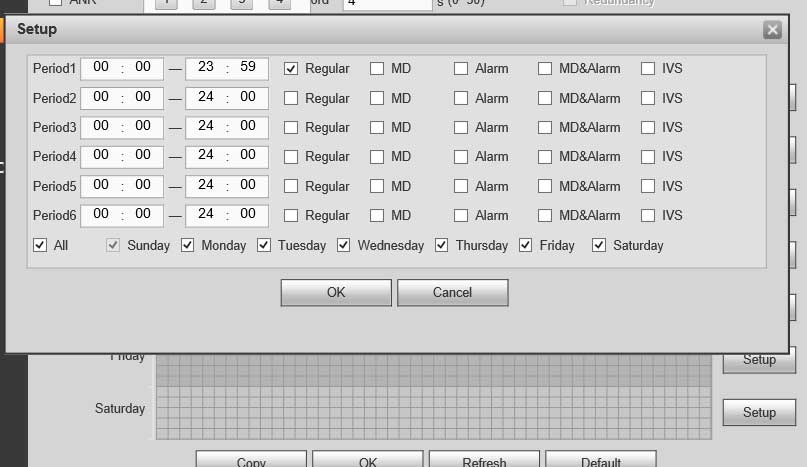
Unable to Connect to IP Camera Guide I can not connect to the IP channel. There are following possibilities: Check the camera...
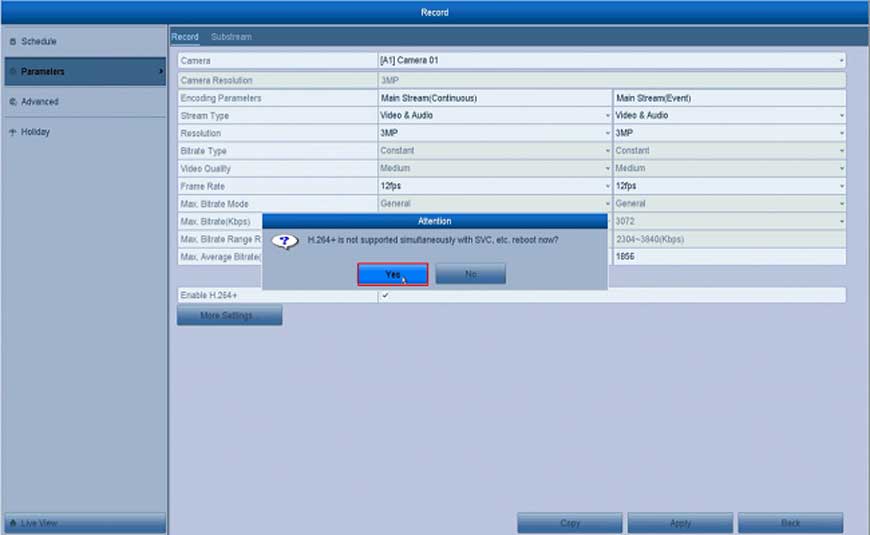
How to Enable H.264 + Fucntion for the System? Here are the steps for you: Open the DVR’s or the NVR’s Menu click “Record”...
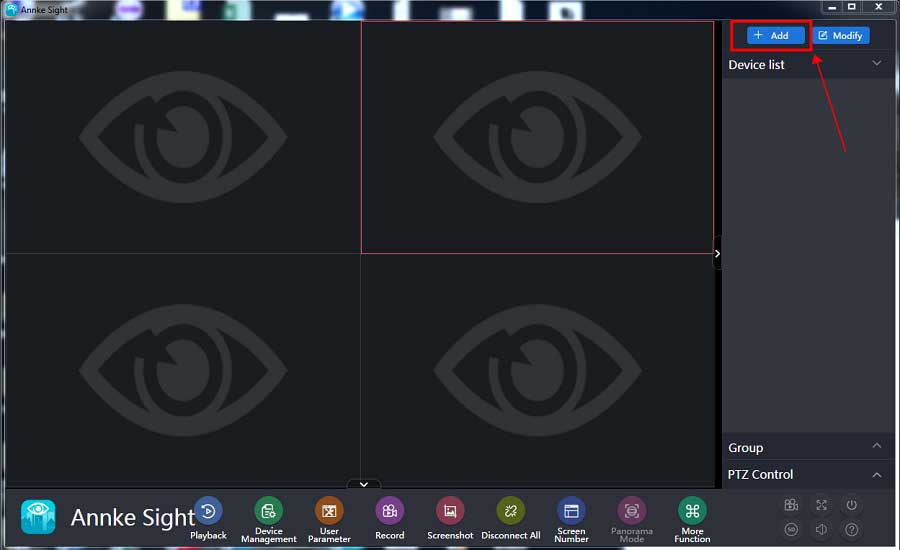
How to Connect the Small Base Station Software on Computer? Purpose: This instruction is to help you add a small base to Annke Sight...
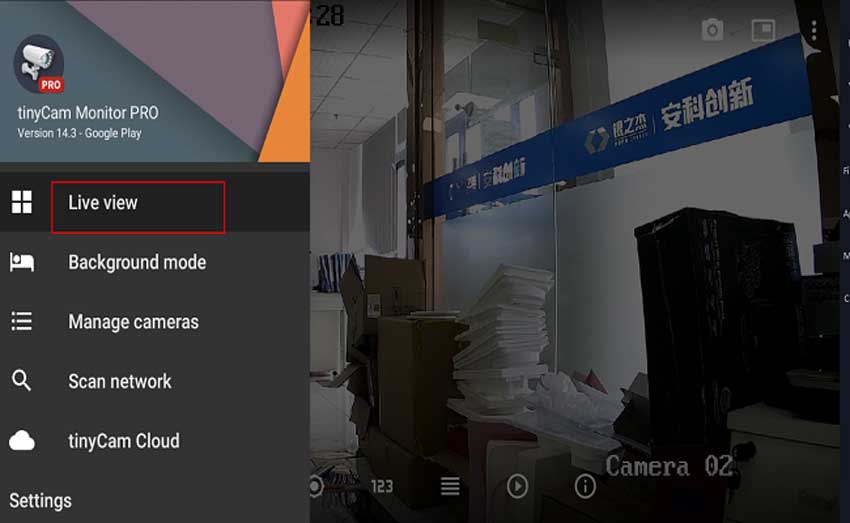
IP camera connect with Tinycam Pro For the Tinycam can only working with IP cameras, It can not connect with NVR. So...

Aliluya App About This Manual This Note is universal version for Aliluya App. The functions supported differentiate to different version, please subject to...
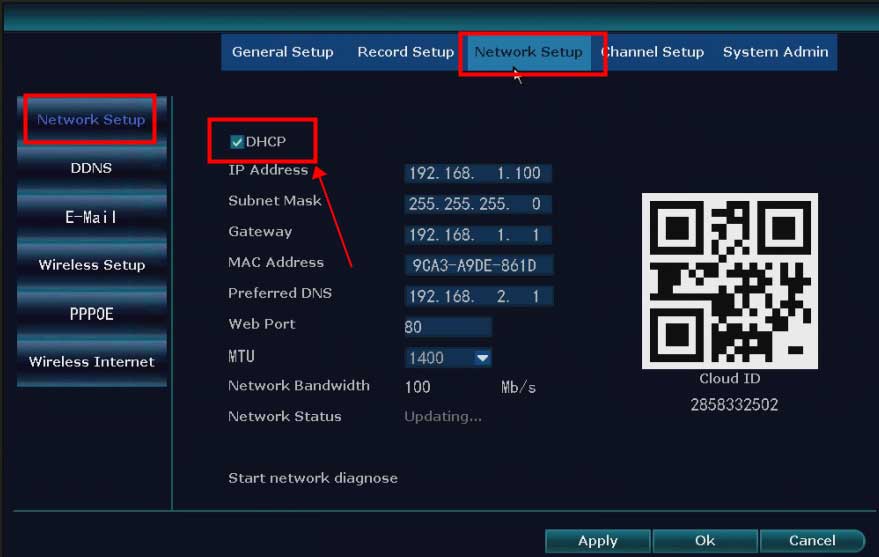
What to Do If The NVR Offline? Introduction: To remotely access the NVR system on the phone APP or computer software, the...
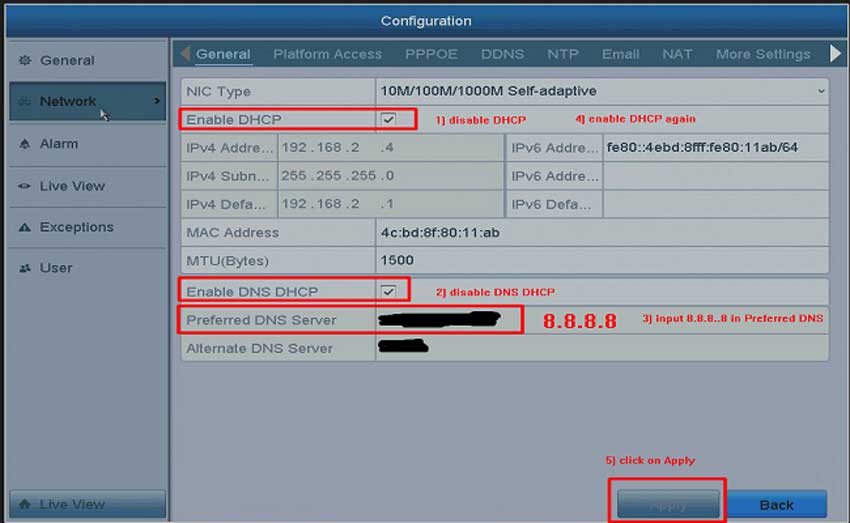
What to Do If The Cloud P2P of The DVR/NVR System is Offline? Purpose: To remotely access the DVR/NVR system on the...
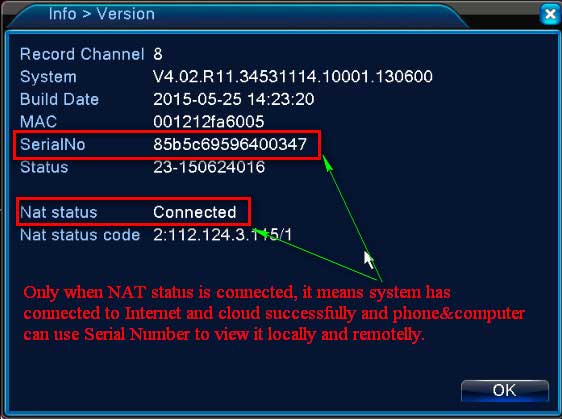
What to Do if DVR or NVR can’t Connect to Internet Successfully? Please plug DVR or NVR into the router with network...