
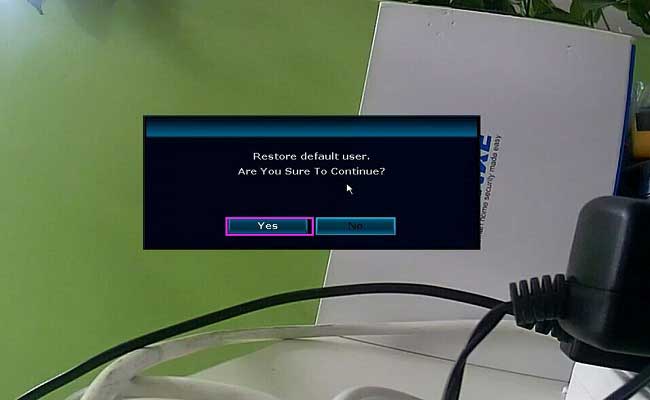
What to Do If You Forgot Password of The System?
Here are the steps for you:
- Input a wrong password so that the system displays a window with an error message.
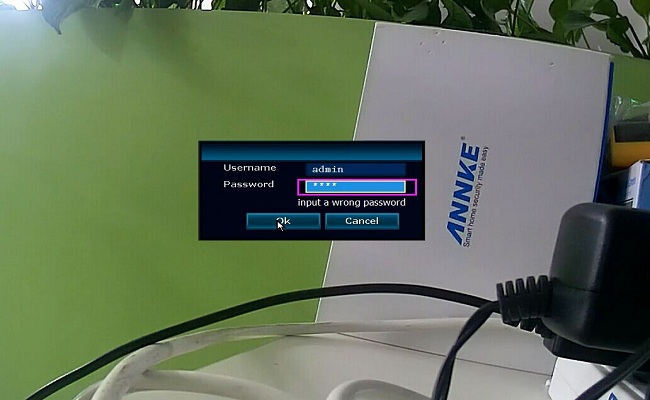
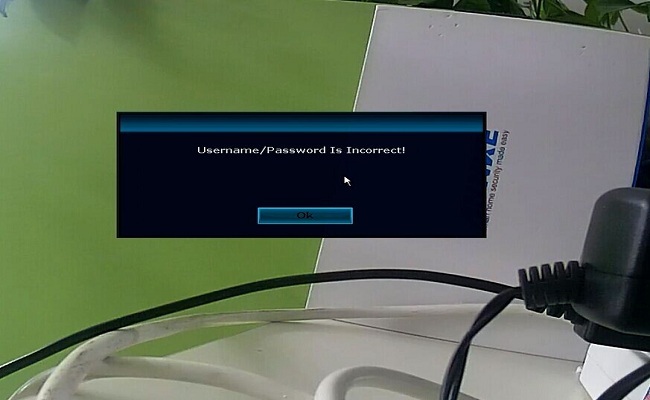
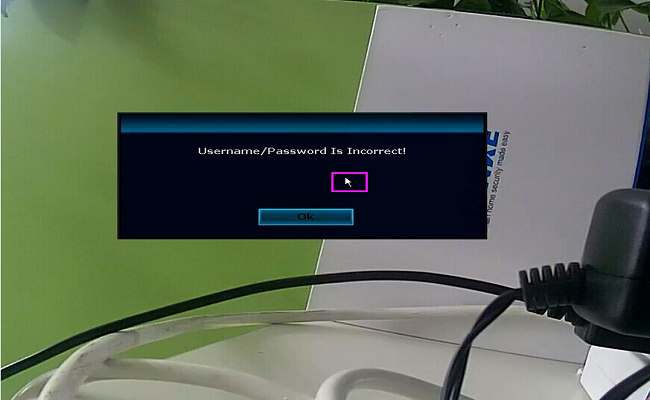
- Please use the mouse click on this window, use your mouse interchangeably” left click”–“right-click”–“left click”–“right-click”—“left click”–“right-click”… Please do this at least 12 times.
- Then it will pop up another window, “Restore default user“, click “YES” to restore the system so that password comes back to default one. The default password is nothing, it means you don’t need to input anything, just click “OK” to log in the system.
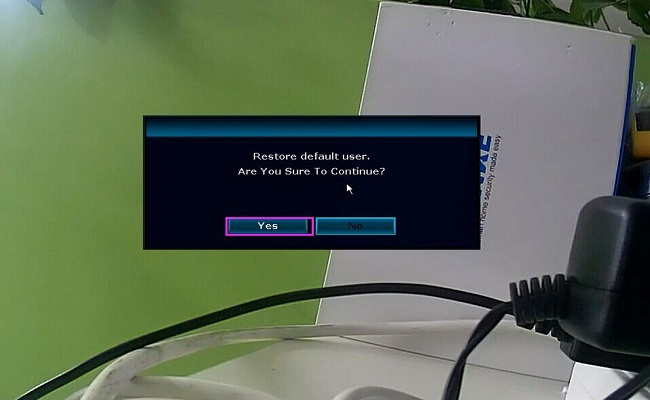
Here is the video for your reference: http://support.annke.com/document/JA/Forget_password.MOV.mp4


I sent an e-mail from the communication channel. Can you help?