
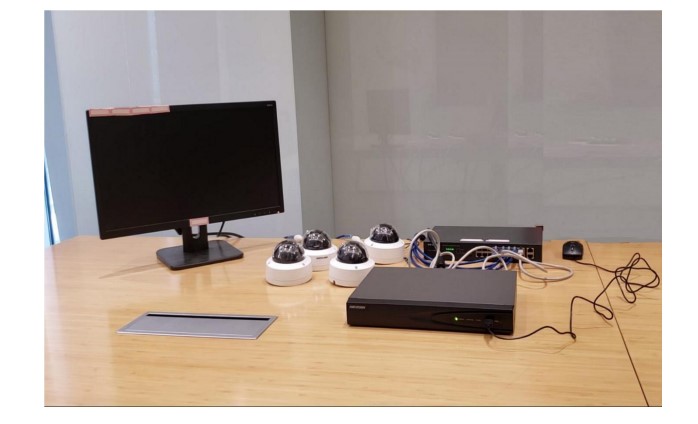
Tutorial of General IP Security System
Tutorial of General IP Security System Preparation 1. NVR, IP camera 2. Memory card, waterproof tape, HDD, HDMI cable, Network cables, Monitor,...
Tutorial of General IP Security System Preparation 1. NVR, IP camera 2. Memory card, waterproof tape, HDD, HDMI cable, Network cables, Monitor,...
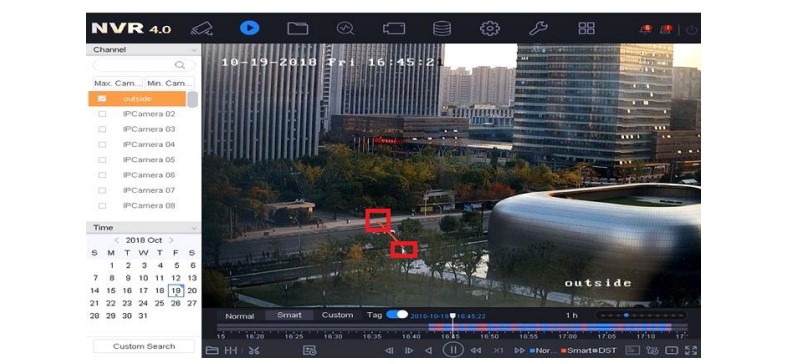
How to Watch Smart Playback in NVR The smart playback function provides an easy way to get through the less effective information....
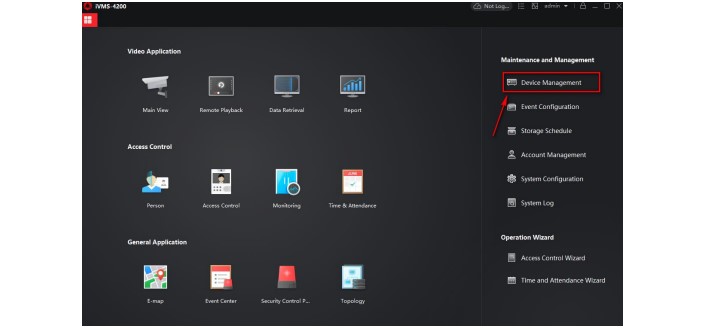
How to Use Third Party DDNS Services Hikvision An internet connected device (camera, DVR, NVR) can be configured to be accessed from...
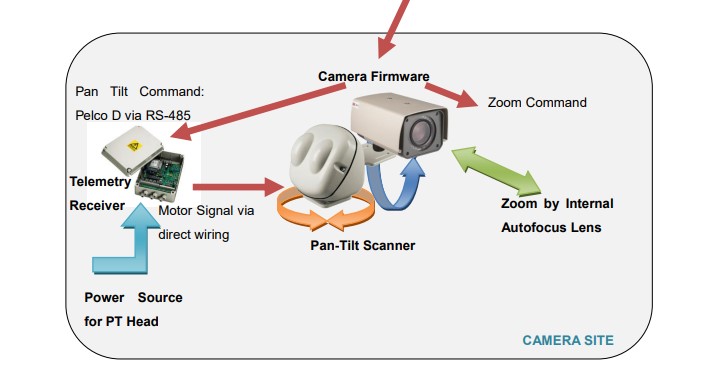
Pan and Tilt Scanner for ACTi Zoom Cameras In many surveillance applications you would wish to place a camera to cover a...
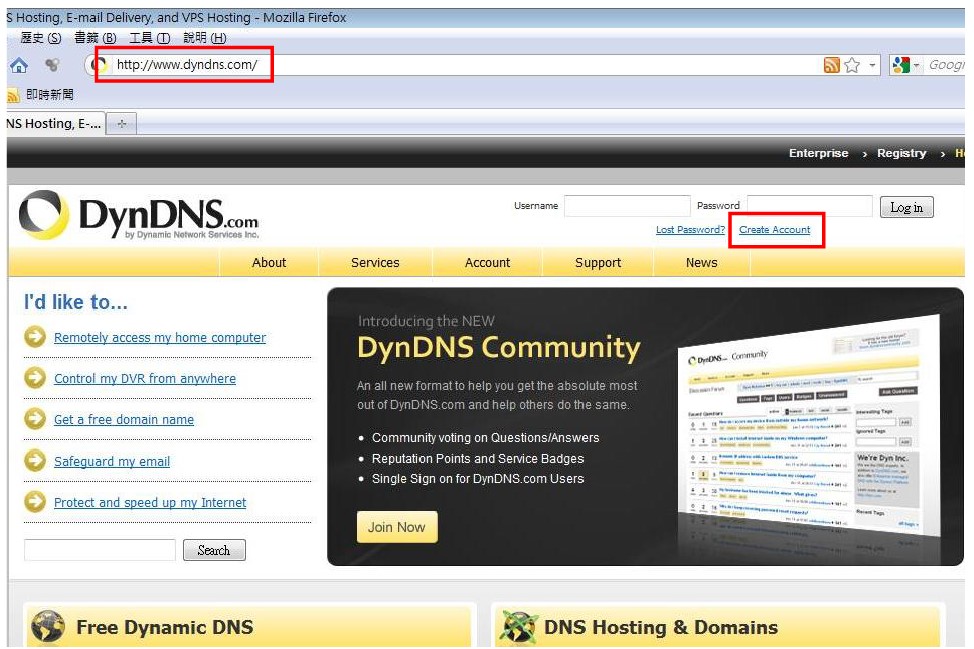
How to Use Dynamic DNS with ACTi Cameras There are surveillance solutions that consist of single cameras scattered over a wide territory,...
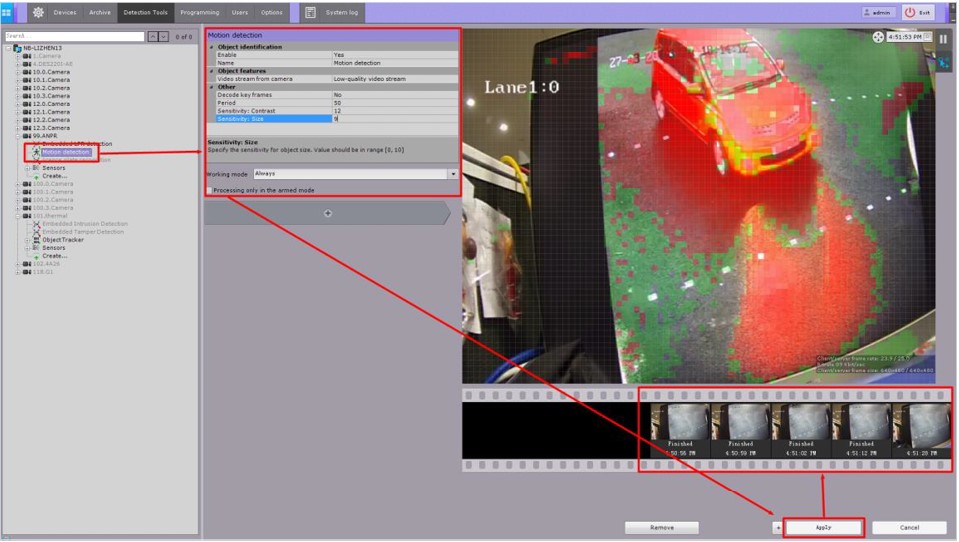
How to use Axxon Next with Hikvision Devices AxxonSoft is one of the world’s leading producers of intelligent VMS and PSIM software....
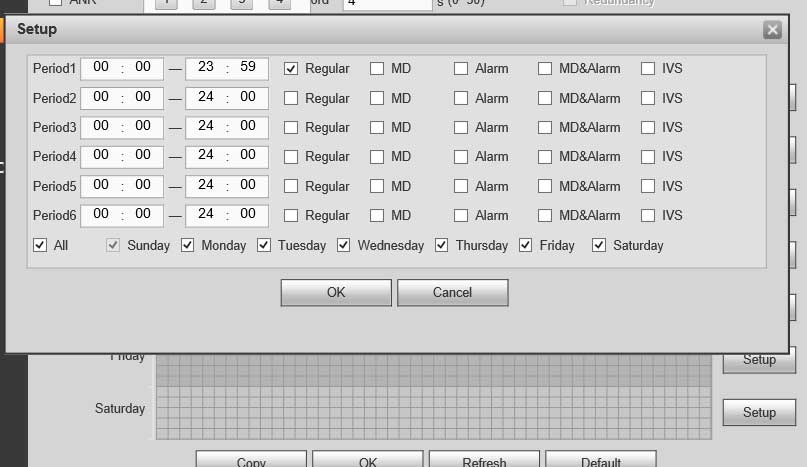
Unable to Connect to IP Camera Guide I can not connect to the IP channel. There are following possibilities: Check the camera...
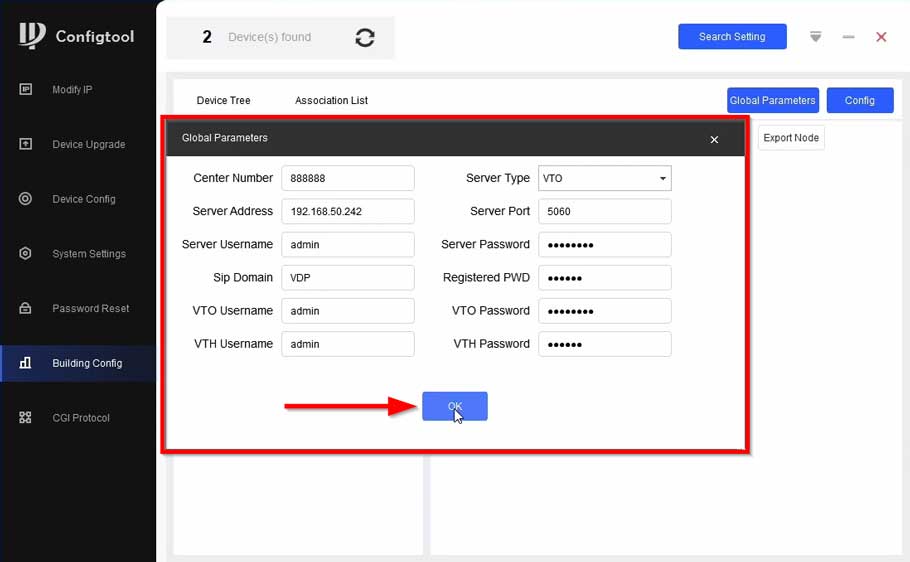
How to configure Apartment VTH through Config Tool How to add DHI-VTO4202F-P-S2 to VTH via Configtool Description This article will go over...
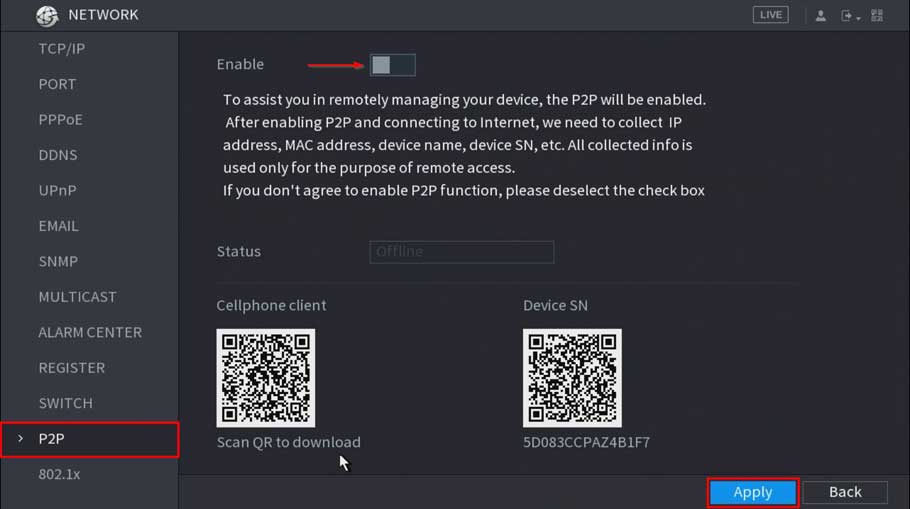
How to troubleshoot P2P offline status P2P Troubleshooting Checklist P2P Enabled (Dahua Device Only) Interface Image WebUI SystemUI DHCP Enabled Interface Image...
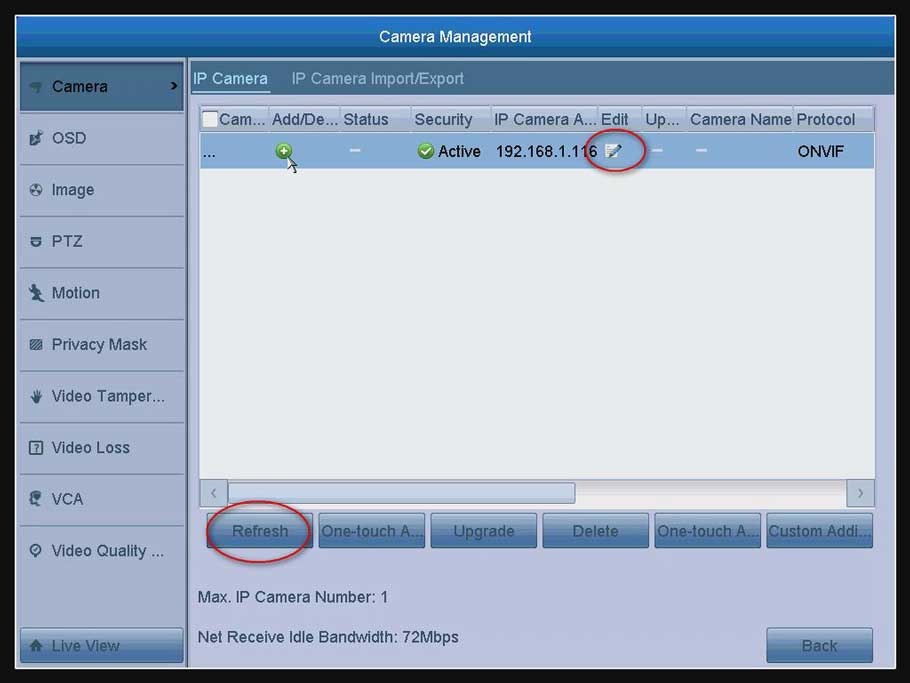
How to Connect IP Camera to DVR? The DVR can connect IP camera. But the IP camera should meet two requirements below....
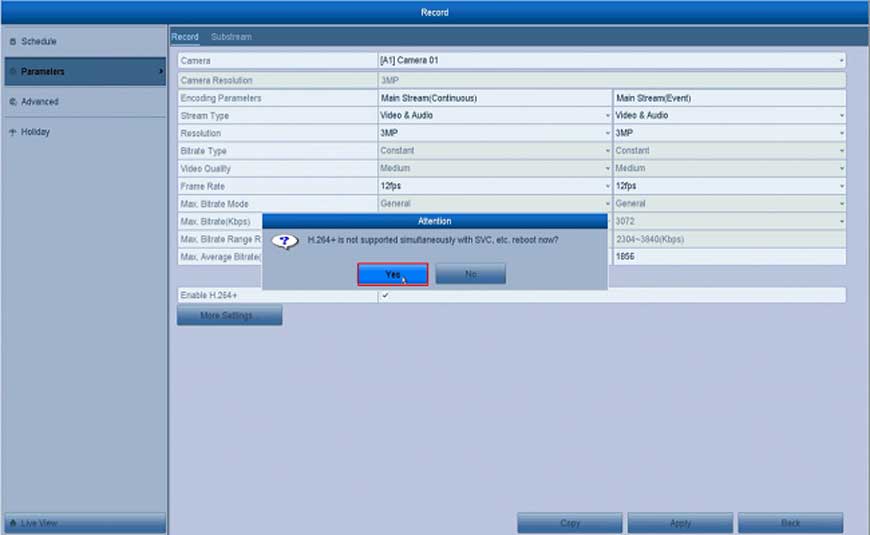
How to Enable H.264 + Fucntion for the System? Here are the steps for you: Open the DVR’s or the NVR’s Menu click “Record”...