
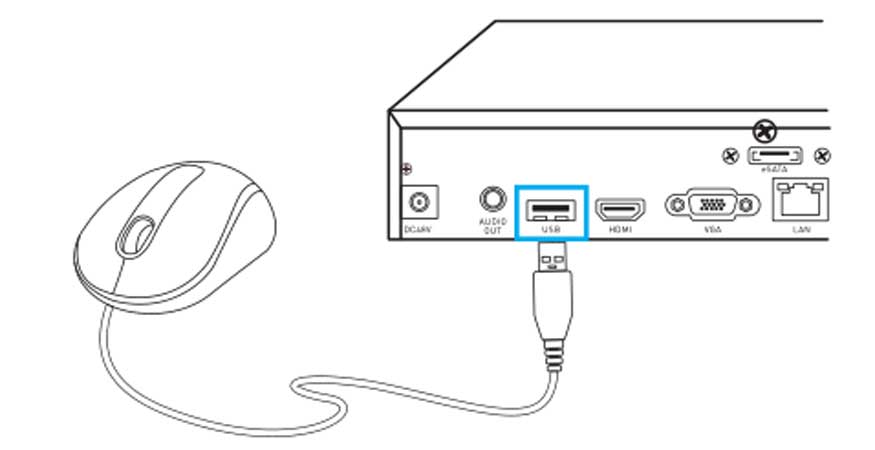
How to Initially Set up PoE NVR with Monitor Connected
How to Initially Set up PoE NVR with Monitor Connected You may follow this guide for proper cabling and initial setup of...

How to Initially Set up PoE NVR with Monitor Connected You may follow this guide for proper cabling and initial setup of...
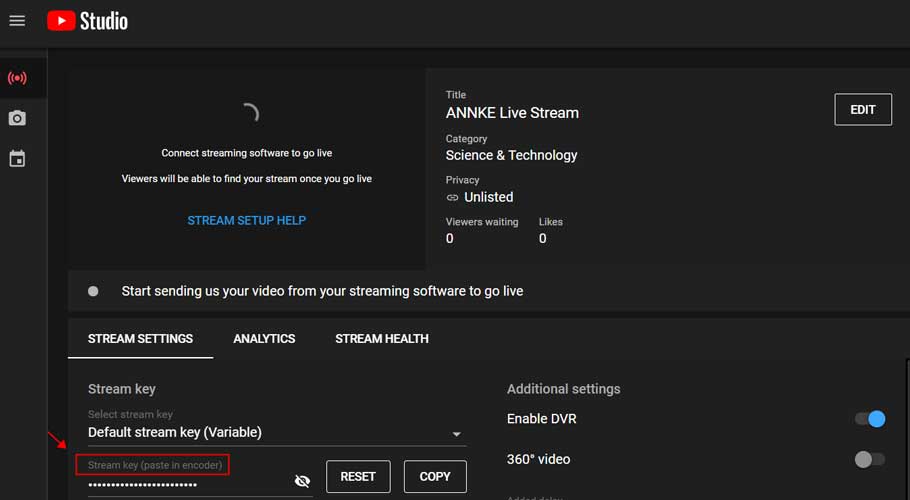
How to Live Stream Your Device on YouTube Purpose: Using FFmpeg as an encoder for YouTube Live has fewer requirements on the...
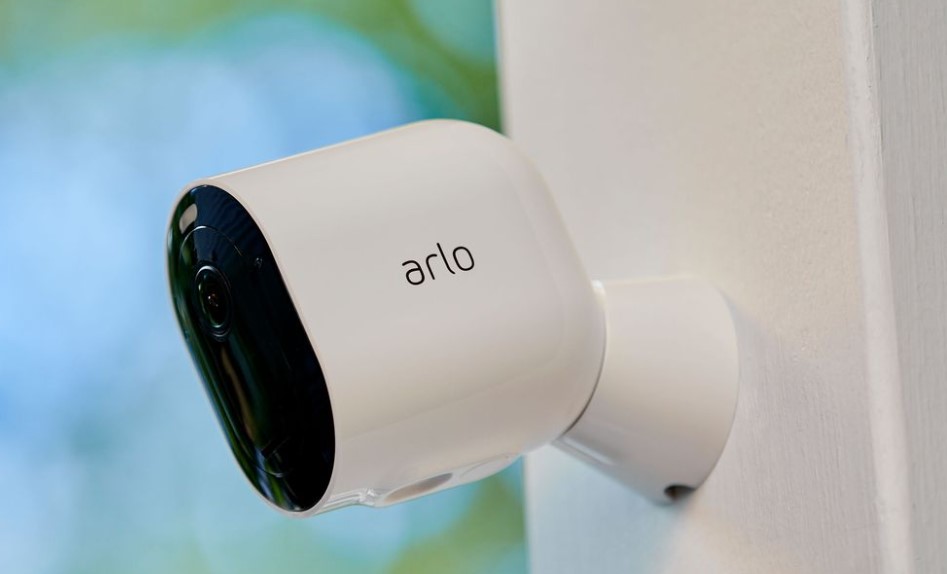
With Apple HomeKit and a compatible Arlo device, you can use voice commands to access and control multiple Arlo devices from one...
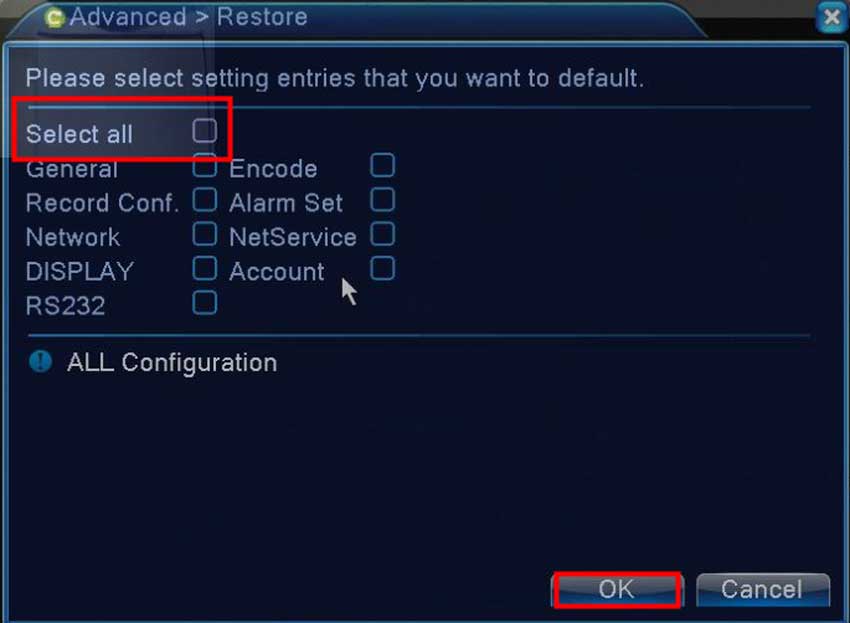
DVR&NVR Stuck Issue Guide Part 1 Type 1 system stuck in the upgrade interface Please disconnect the Ethernet cable to the router,...
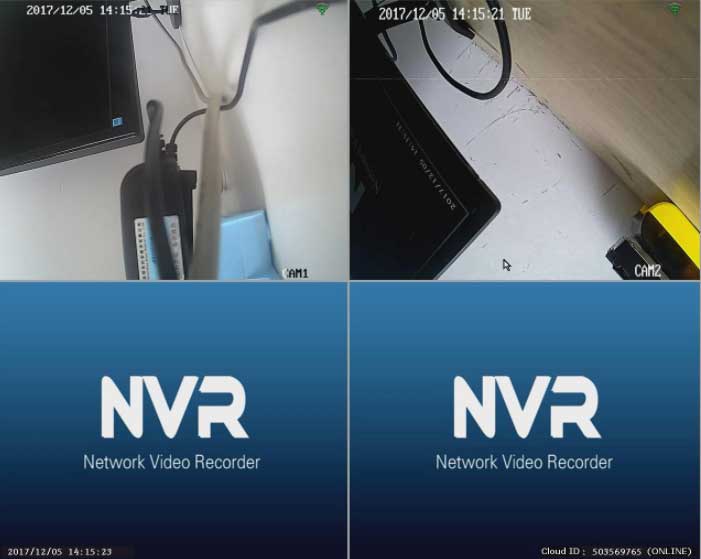
How to Repair the Camera by Matching Code when It Loses Connection to the NVR? The 4 cameras in the package were...
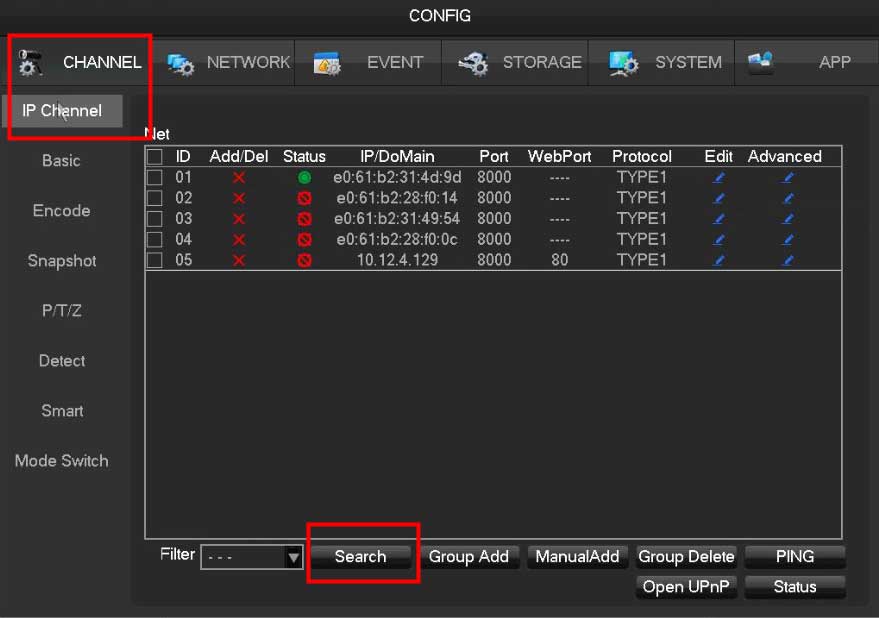
How to Connect Non-POE or Wireless IP Camera to POE NVR via the Onvif Protocol? Usually, the POE NVR system we sell...
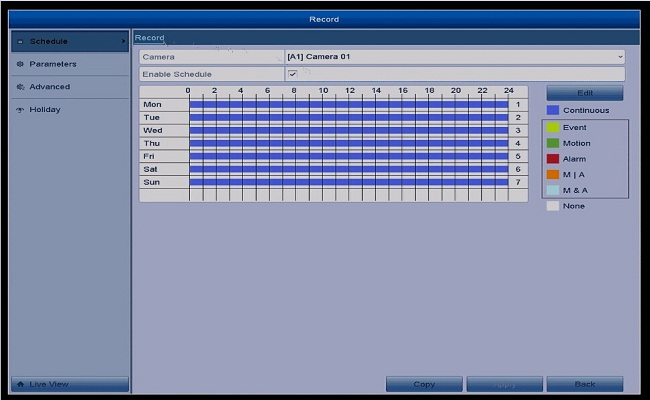
How to Set Up 24 Hours Recording Purpose: You could setup 24 hours recording for the system. Please make sure there is...
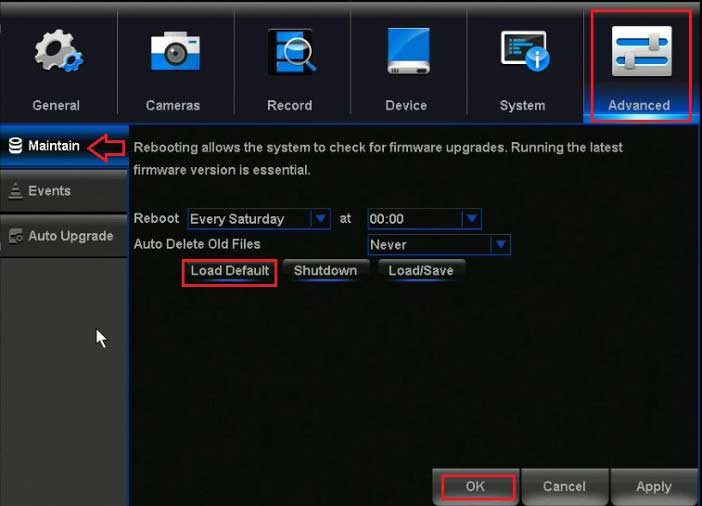
Night Owl DVR / NVR Troubleshooting IMPORTANT: For more detailed information specific to your model or if you do not see your...
Night Owl Password Reset Don’t remember the password for your Night Owl Protect device? Follow the simple instructions below to quickly and...
How to Add a Device to the Night Owl Protect App for Android a. Adding a Recorder (DVR/NVR) A recorder will be automatically...
How to Add a Device to the Night Owl Protect App for iOS a. Adding a Recorder (DVR/NVR) A recorder will be...