
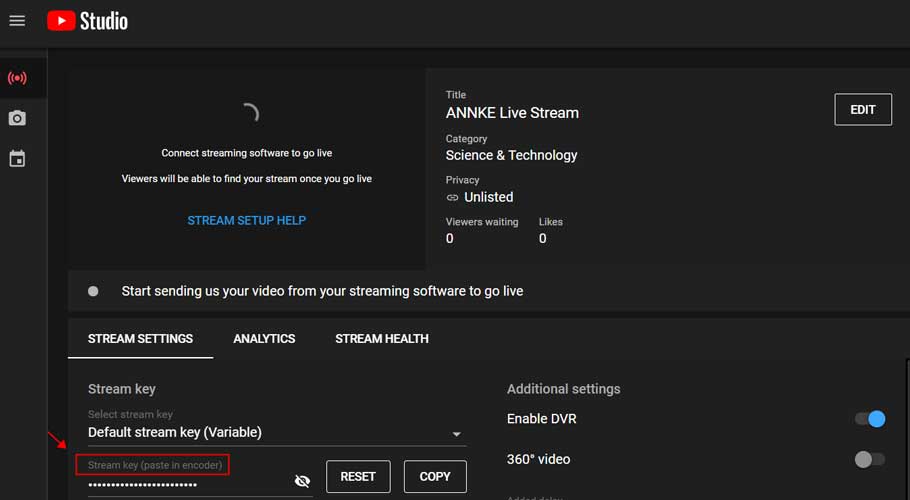
How to Live Stream Your Device on YouTube
How to Live Stream Your Device on YouTube Purpose: Using FFmpeg as an encoder for YouTube Live has fewer requirements on the...
How to Live Stream Your Device on YouTube Purpose: Using FFmpeg as an encoder for YouTube Live has fewer requirements on the...
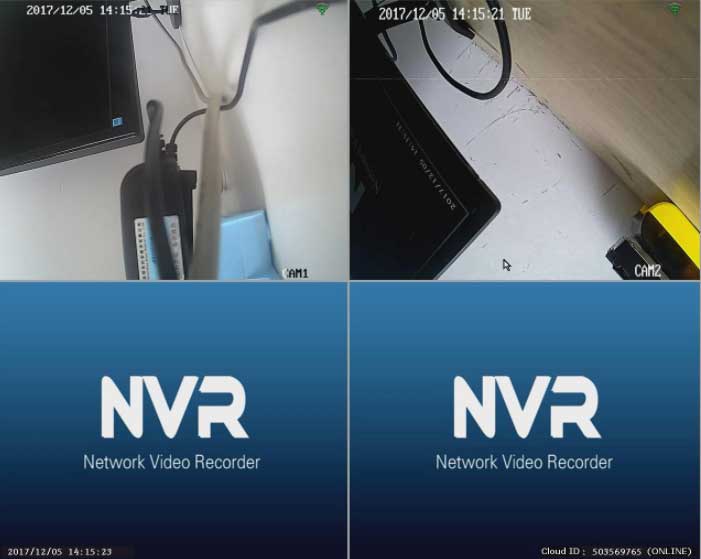
How to Repair the Camera by Matching Code when It Loses Connection to the NVR? The 4 cameras in the package were...
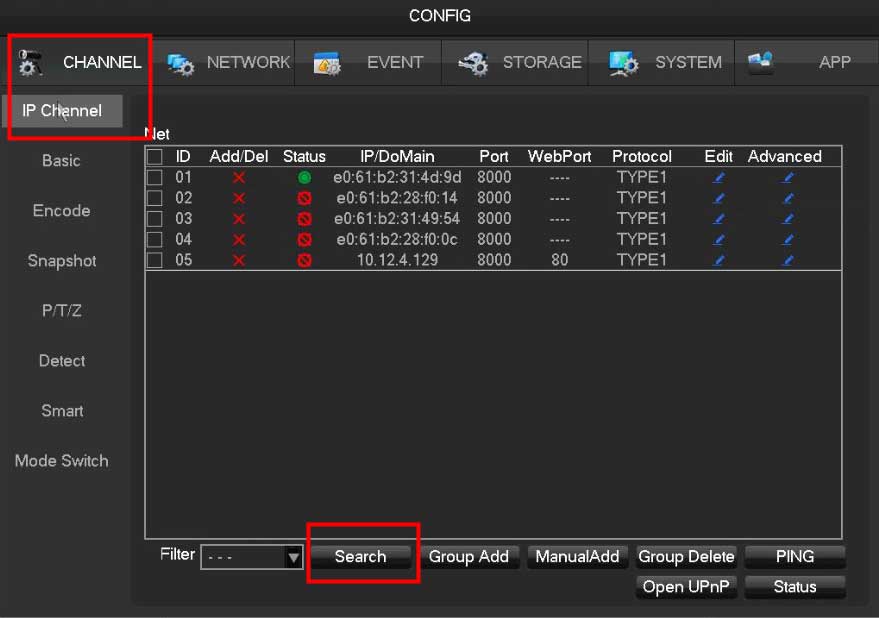
How to Connect Non-POE or Wireless IP Camera to POE NVR via the Onvif Protocol? Usually, the POE NVR system we sell...
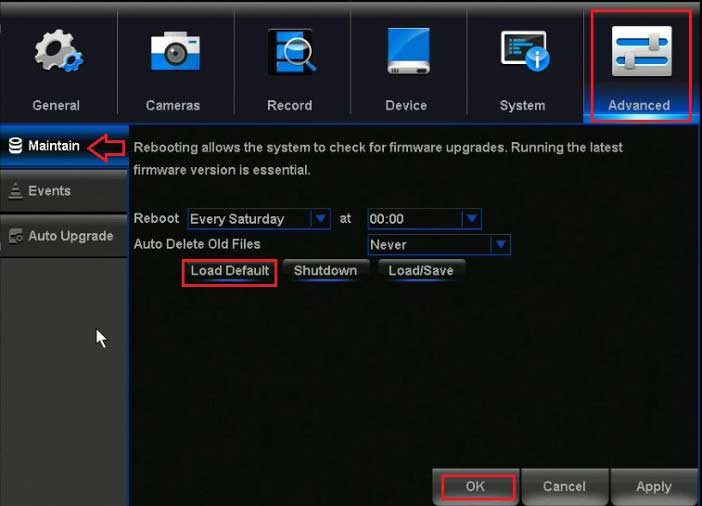
Night Owl DVR / NVR Troubleshooting IMPORTANT: For more detailed information specific to your model or if you do not see your...
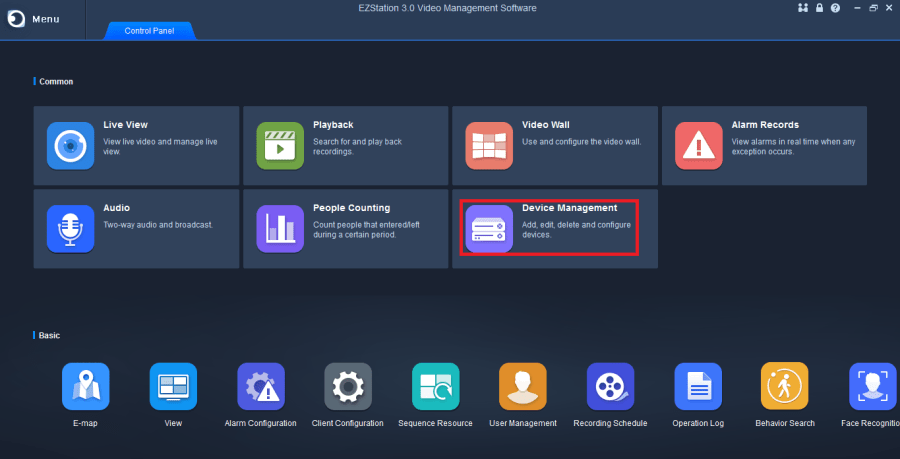
Free Download EZView or EZ Station for PC: You can download EZView for PC for free for Windows 7/8/10 and for your MAC...
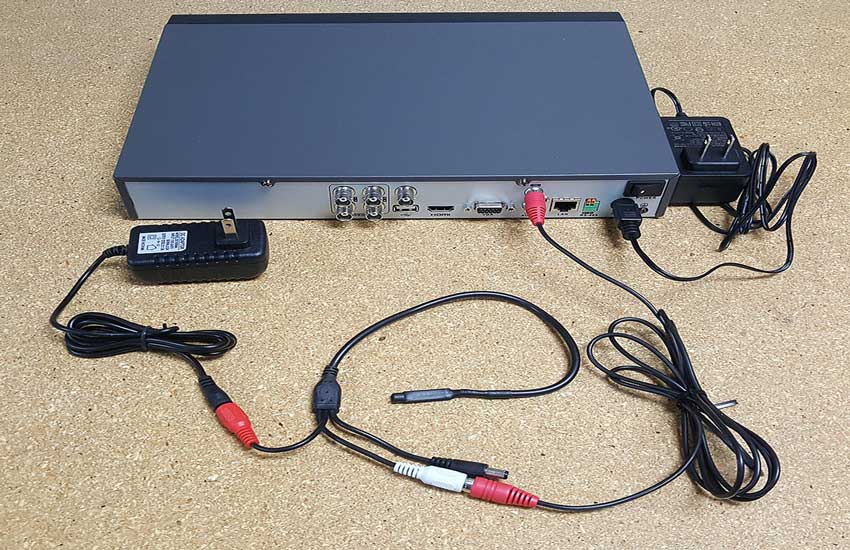
VCR recording wiring and configuration guide 1. Pickup connection guide 1. The recorder is connected to the network camera The video and...
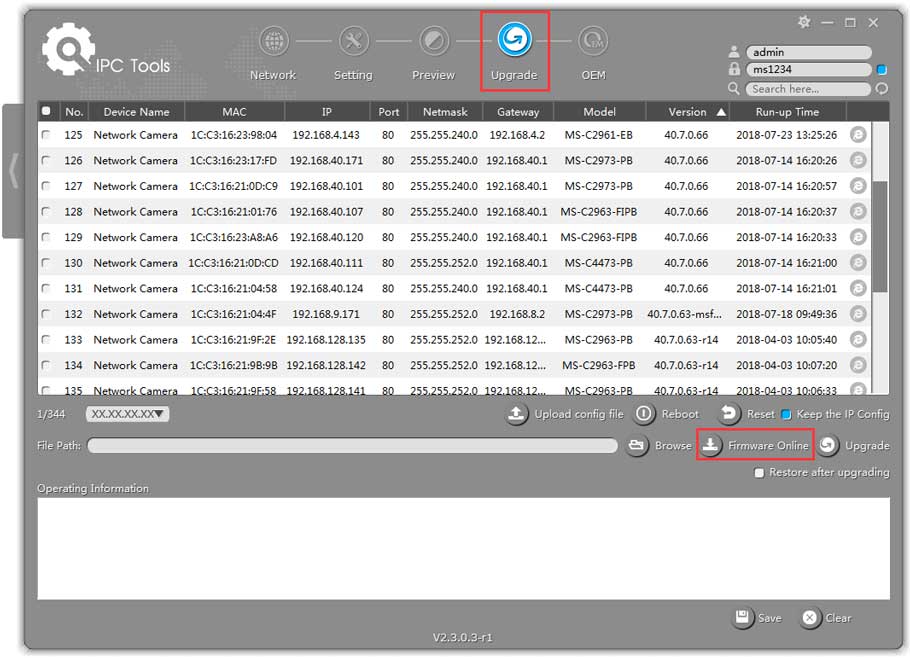
Milesight – How to Upgrade Firmware for IP Camera 1. Choose Firmware H.264 10.5.0.110-r11(MS-C2XXX-XX): https://drive.google.com/file/d/0B3OW8hozx4jWaXBkSDNGMXJ5V1k/view?usp=sharing 20.5.0.110-r11(MS-C3XXX-XX): https://drive.google.com/file/d/0B3OW8hozx4jWdEZTRXZJMUY4b1U/view?usp=sharing 30.7.0.63-r20(MS-CXXXX-XXA): https://drive.google.com/open?id=1oyPBRAyH4iMAKuZ26cImj1pmlgBIYcTx H.265 40/41.7.0.XX(MS-CXXXX-XXB): http://www.milesight.com/support/download.asp 42.7.0.67-r1(MS-C8262-F(I)PB/MS-C9674-PB): https://drive.google.com/open?id=1p5RMxUuUbMTmBkKWoTTsxKvUZlQ-_72a 43.7.0.XX(MS-C81XX-XX/MS-C82XX-XX/MS-CXXXX-(Q)(T)(R)(H)XX/MS-CXX74-PB/MS-CXX65-PB): http://www.milesight.com /support/download.asp Load...
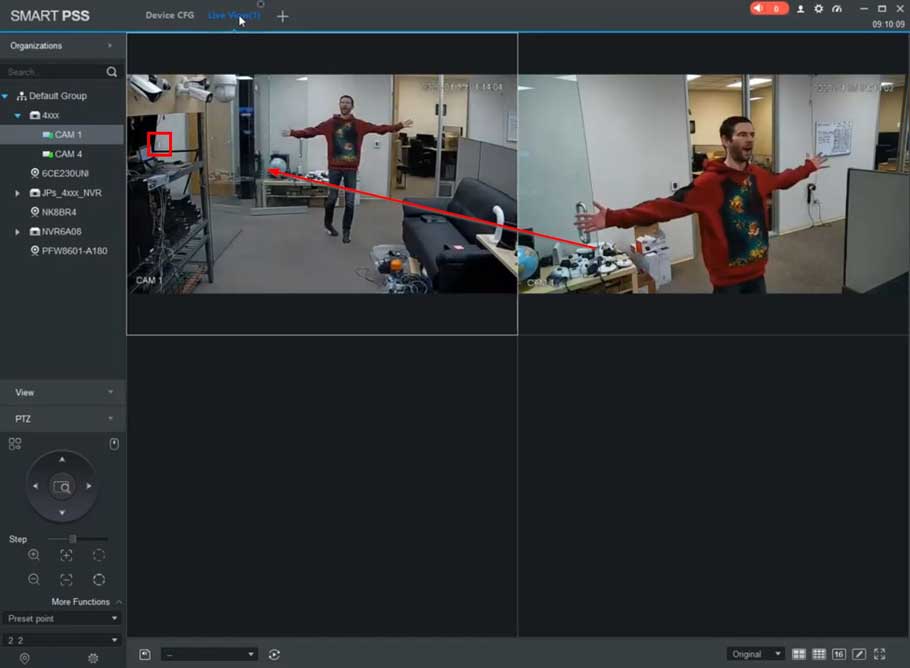
How To Preset Trigger from Fixed Camera Preset Trigger from Fixed Camera Description When an event (Motion, IVS, etc) is triggered from...
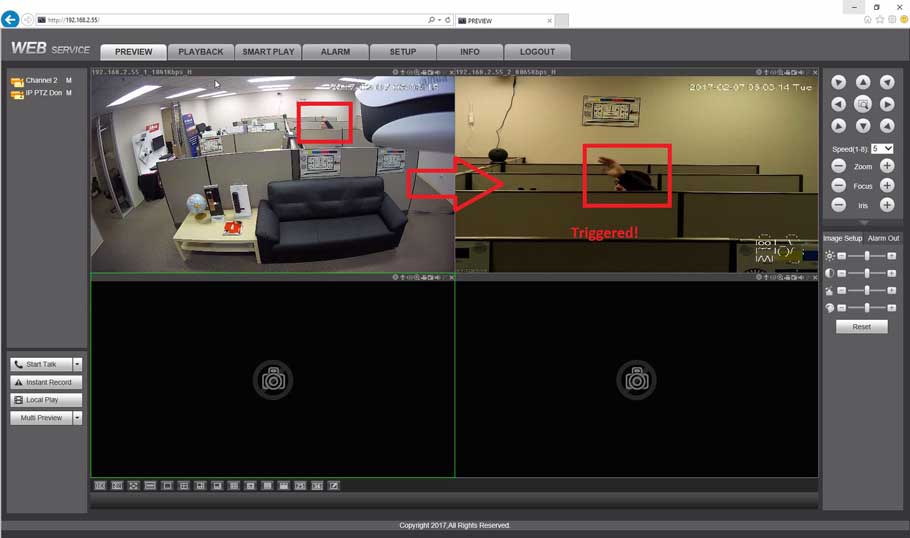
dahua ptz camera setup with all stages How to Setup Scan Description The Scan feature allows you to set a predetermined path...
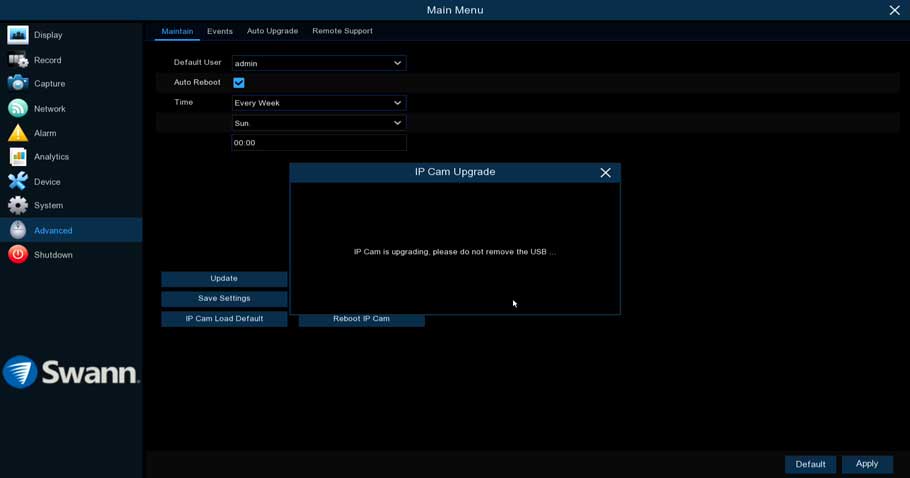
Guide on how to update SWANN LATEST FIRMWARE UPDATES Camera Firmware Update for V8 NVRs Guide on how to update IP camera...
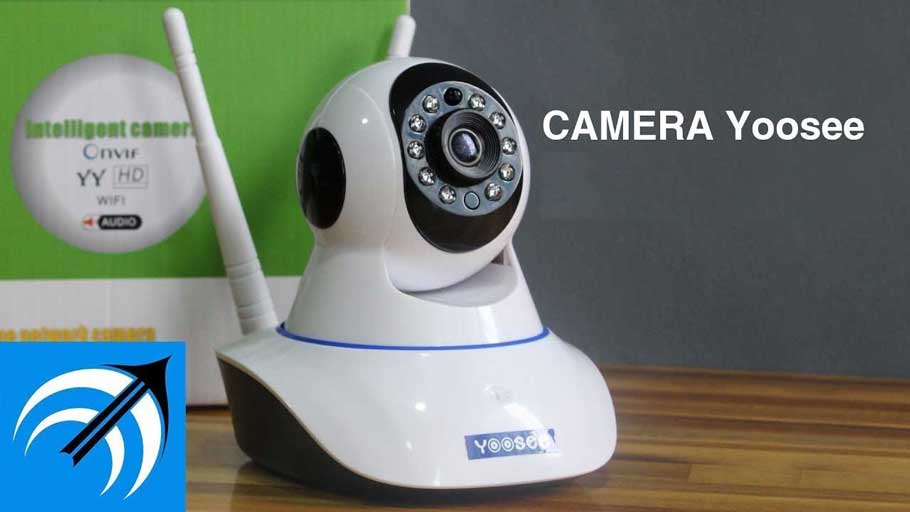
How to Add Camera to Yoosee App 1. Please plug the camera into a power source by adapter. 2. Please search Yoosee...