
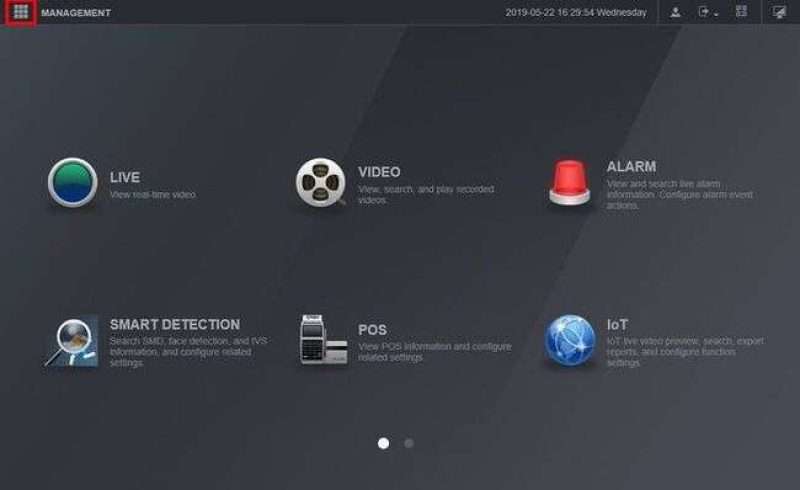
DAHUA XVR 4.0 Setup
DAHUA XVR 4.0 Setup, Dahua Technology is a world-leading video-centric AIoT solution and service provider. With its ‘Dahua Think#’ corporate strategy, Dahua...
DAHUA XVR 4.0 Setup, Dahua Technology is a world-leading video-centric AIoT solution and service provider. With its ‘Dahua Think#’ corporate strategy, Dahua...
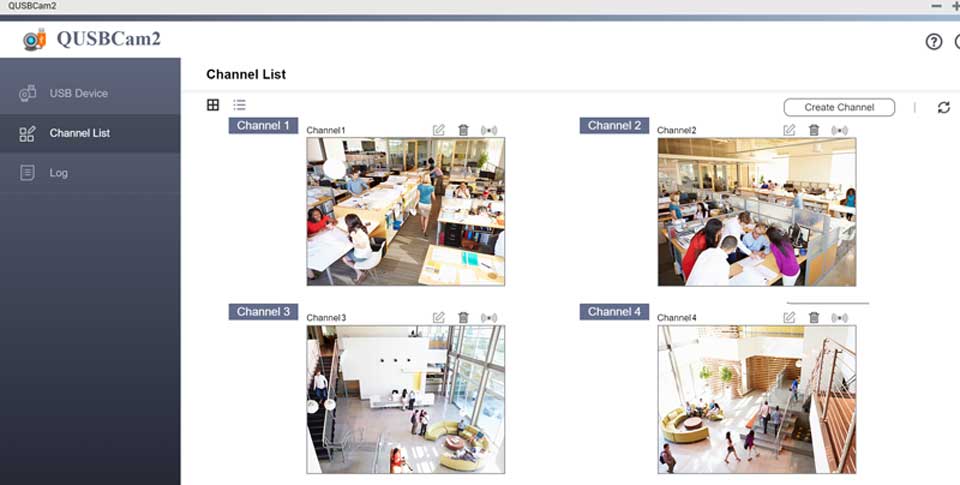
How to use Webcam on Surveillance Station on QNAP NAS? This tutorial is only for QUSBCam. QNAP has released QUSBCam2, an app...
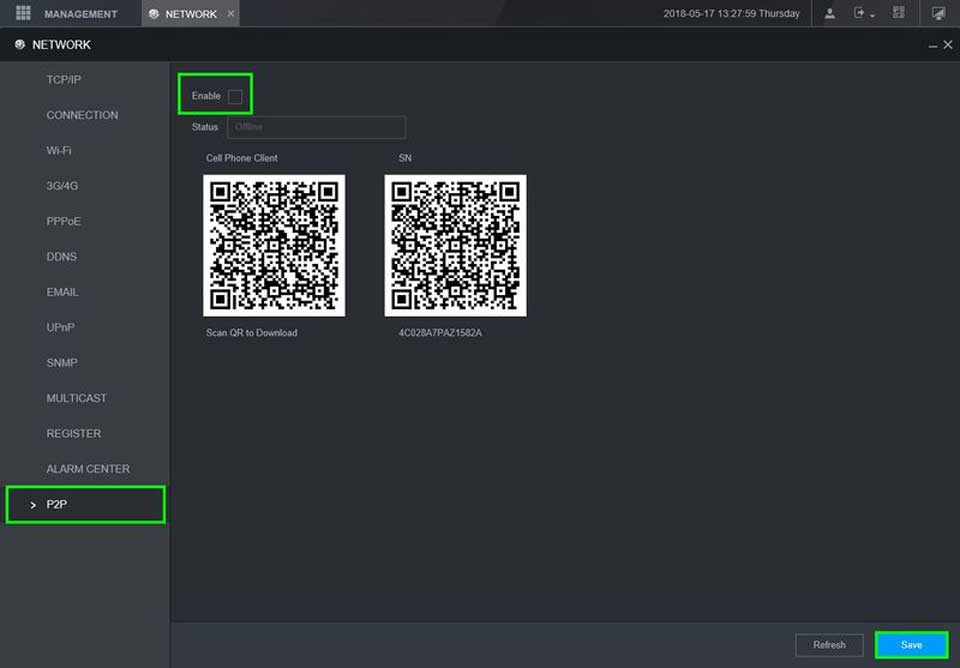
Dahua XVR Remote Access Full Guide, Remote Access Setup Setup Remote Access via Portforwarding(IP) Locate Device on Network Browser Configure Internet Explorer...
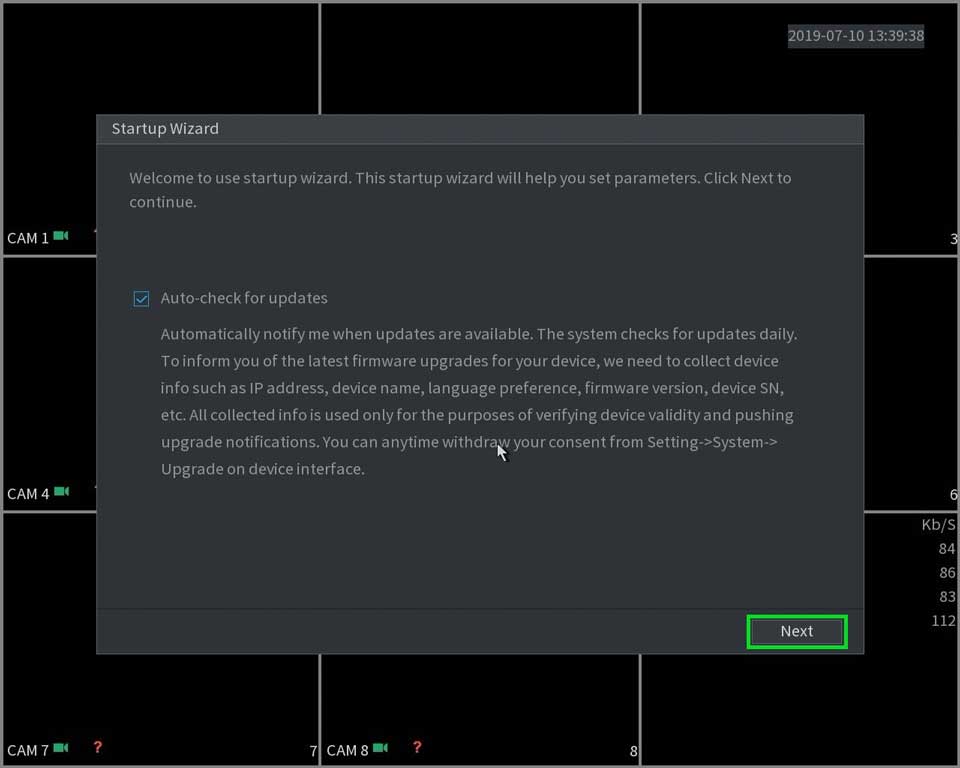
Boot up and Shutdown Boot up Dahua NVR XVR Basic Setup Initial Setup Before the boot up, please make sure: For device...
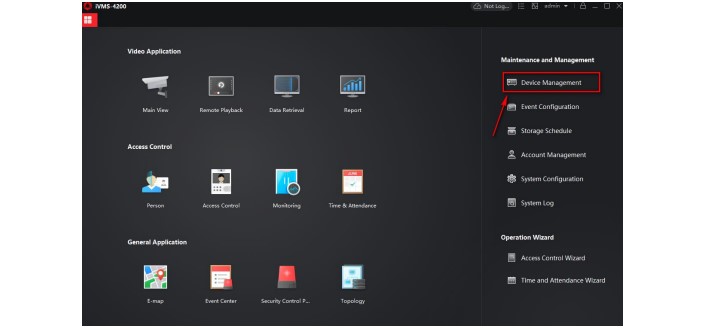
How to Use Third Party DDNS Services Hikvision An internet connected device (camera, DVR, NVR) can be configured to be accessed from...
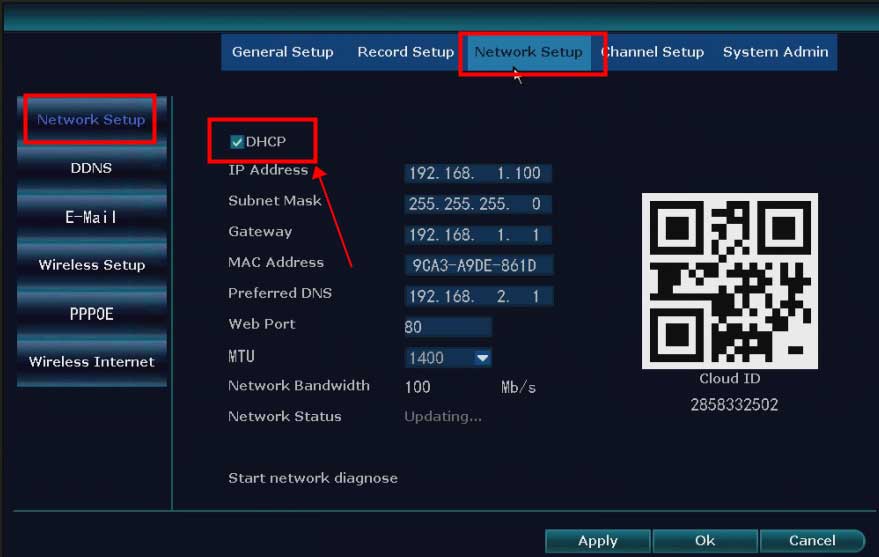
What to Do If The NVR Offline? Introduction: To remotely access the NVR system on the phone APP or computer software, the...
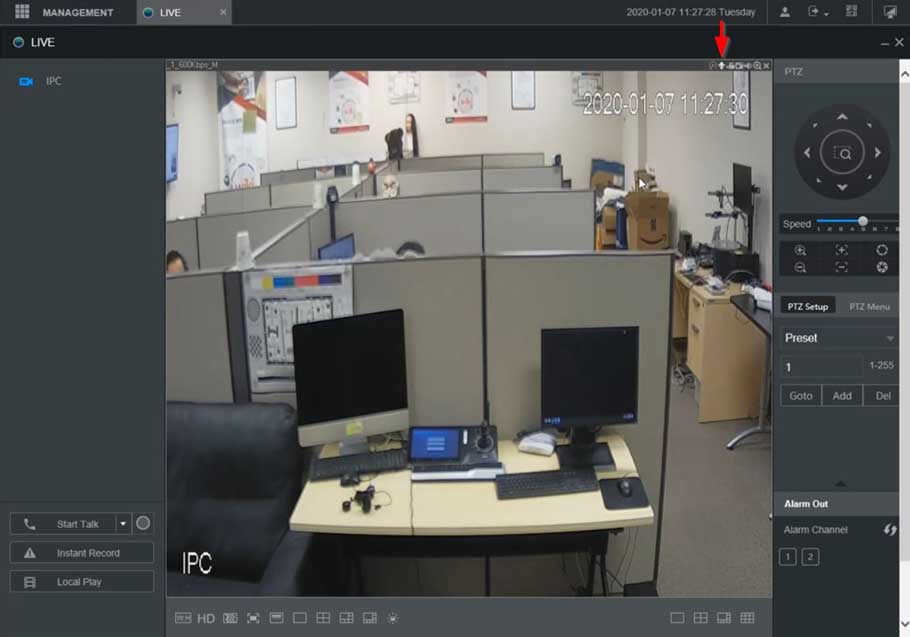
XVR NVR DVR Two Way Talk Setup Description This section will show how to setup / use Two Way Talk function with...
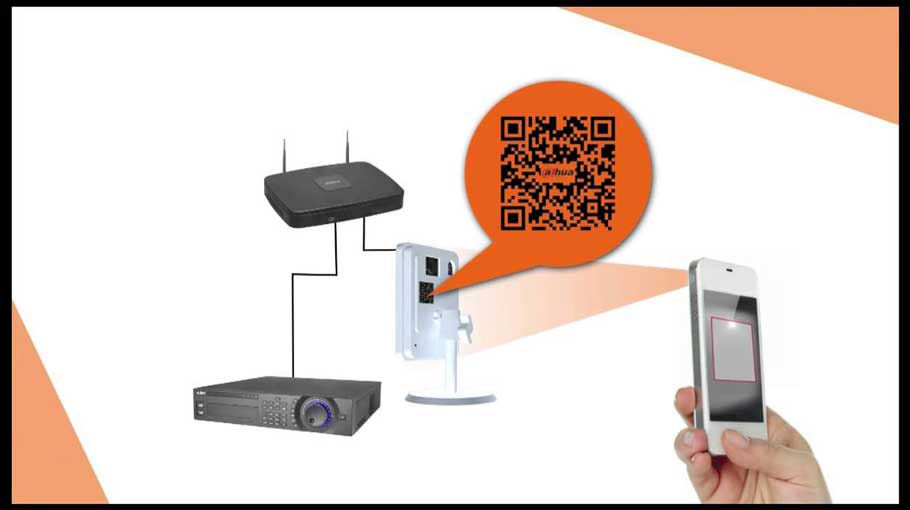
How to Access System Using P2P via Mobile Application Description View your recorder and cameras on the go. With Dahua’s mobile application...
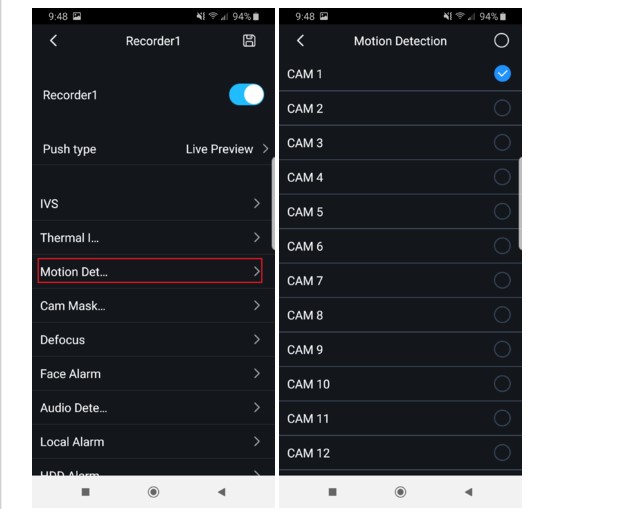
How to Setup Push Notifications via Mobile Application Description For push notifications to work you must have “Event/Motion” and or “Alarm” enabled...
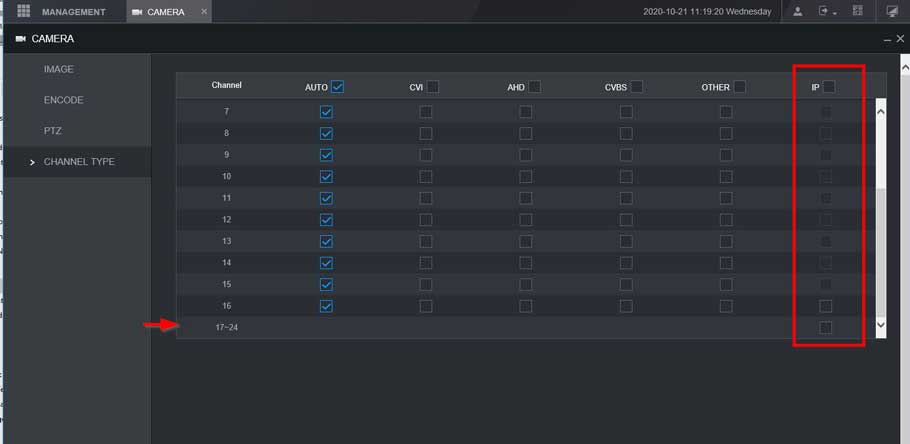
How to Change Between HDCVI, Analog, and IP Description Follow these step-by-step instructions to change a HDCVI, analog, or IP channel on...
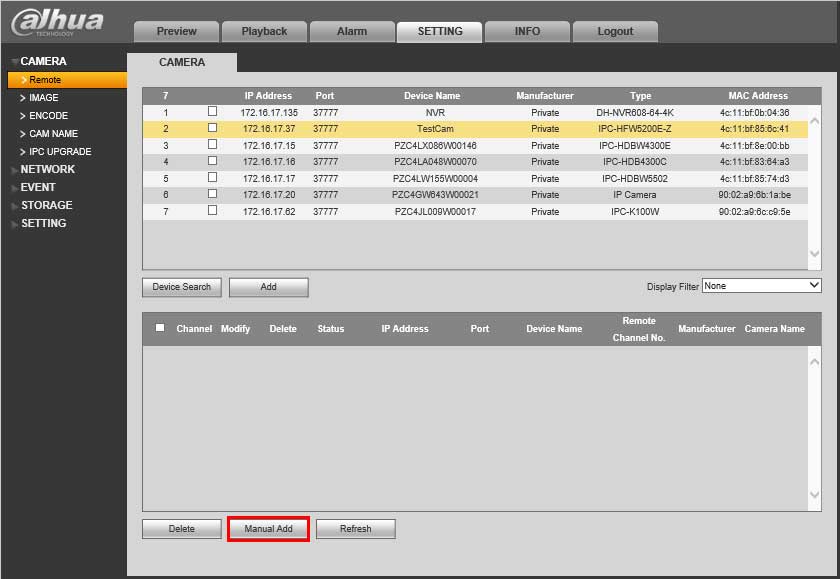
Description This shows you how to connect a wifi camera to NVR. Prerequisites WiFi Camera NVR Video Instructions Step by Step Instructions...